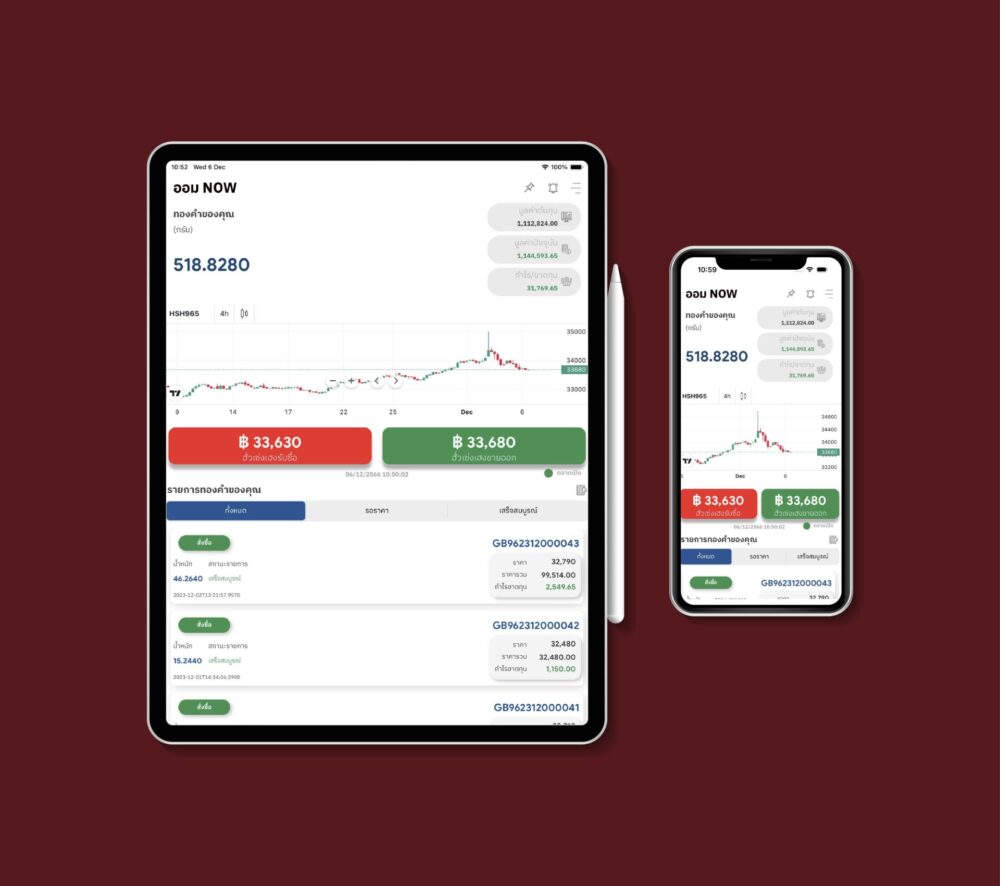
ออมNOW Desktop 1

GOLD SAVING NOW

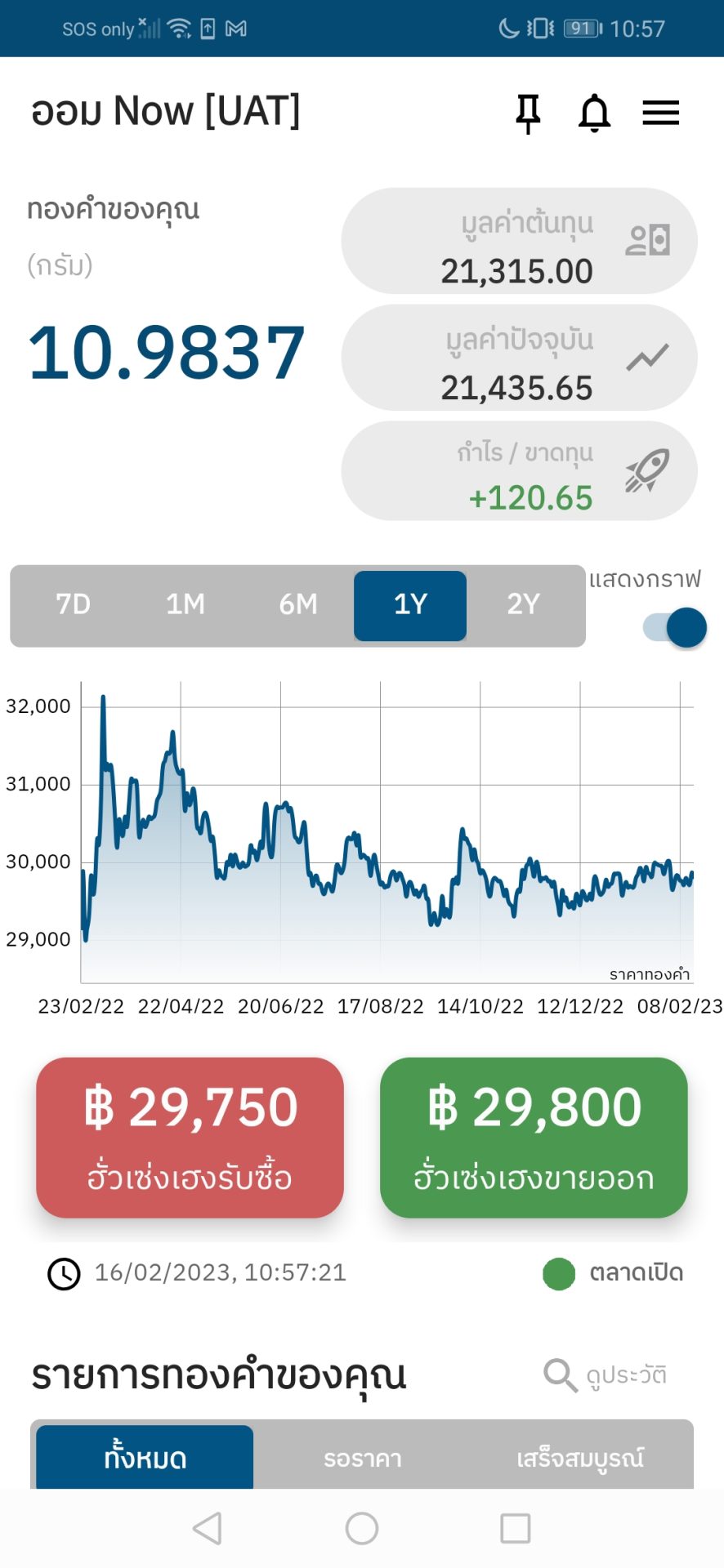
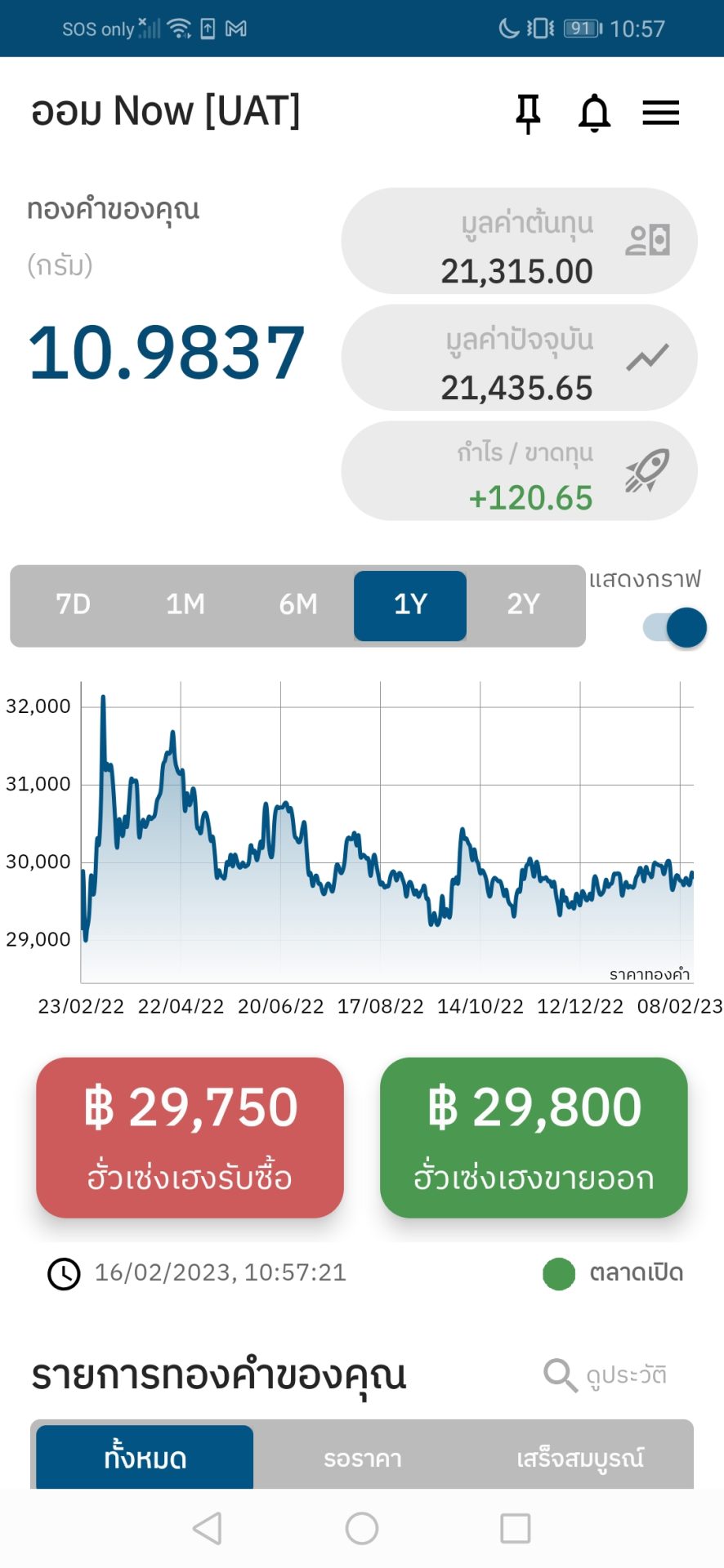
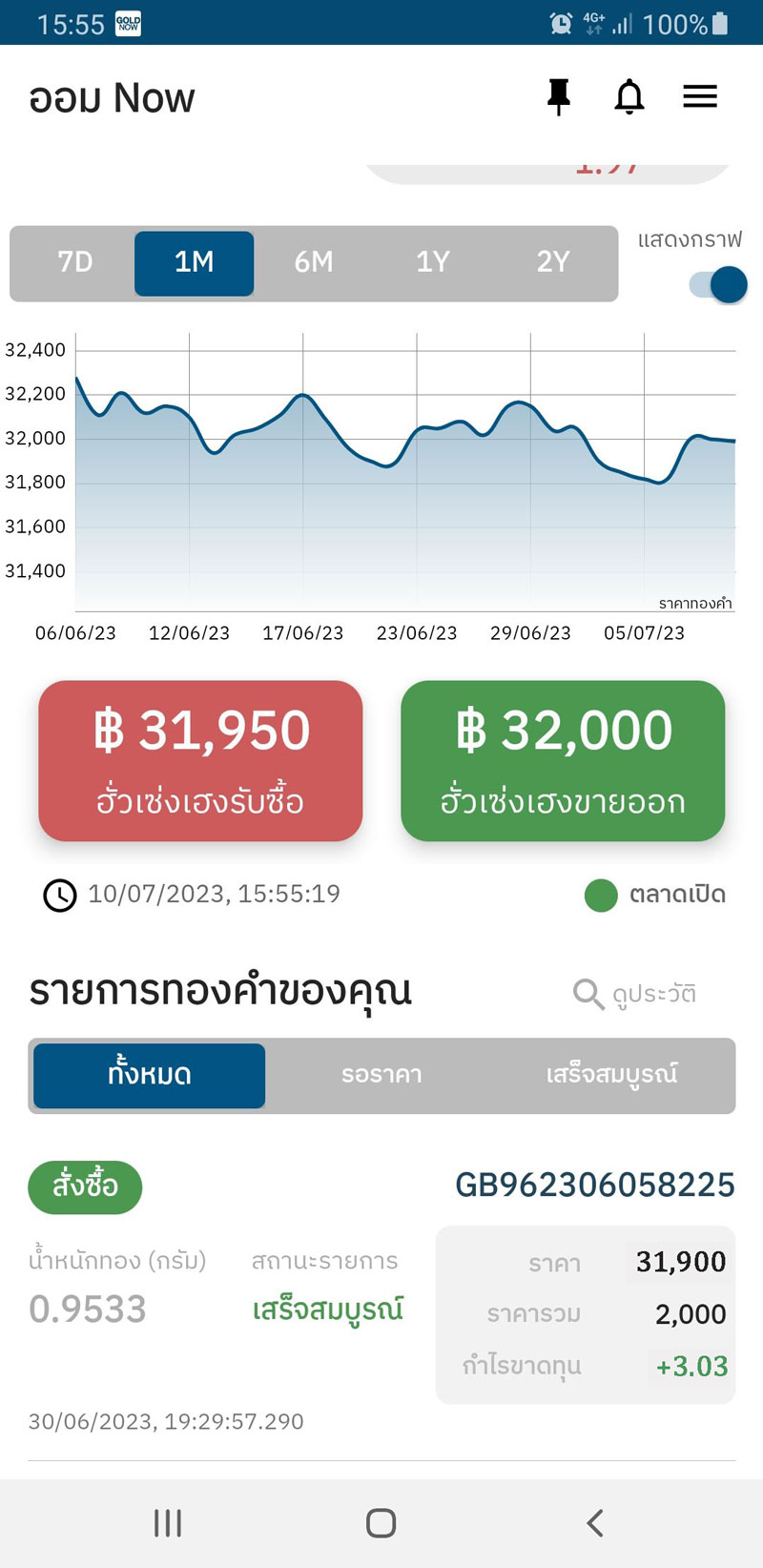
An innovative, quick, and easy method of gold saving where you can sign up, link your account, and invest, all in one app.

An exclusive feature from the GOLD NOW application, available on both iOS and Android where you can download and sign up right away.

Show more

Available for download on both iOS & Android

“GOLD SAVING NOW”, a new feature from GOLD NOW

Letting you invest in gold on an app more easily and quickly than ever

icon 1 new

Start investing
with just 1,000 baht.

icon 6 new

Easily sign up
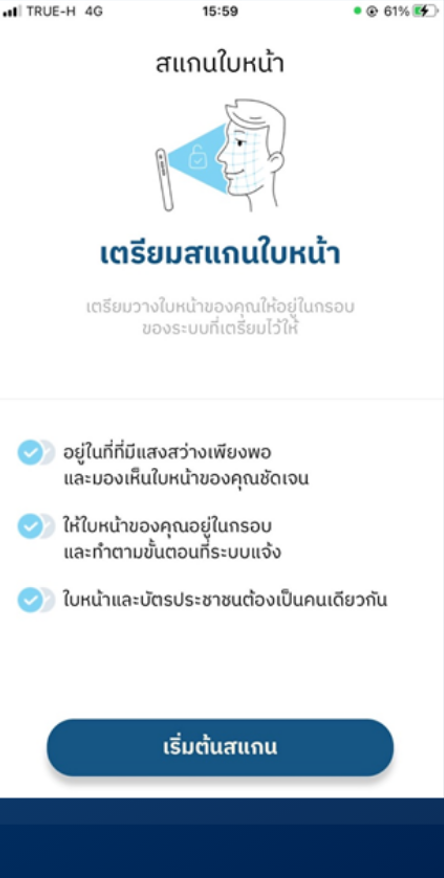
with face scan.

icon 2 new

No security deposit
and buy/sell right away.

icon 3 new

With a system where an order can be set up to be executed at a specific price, you’ll never miss any important opportunity.

icon 4 new

Get physical gold bars.

icon 5 new

Buying/sell hours on
Monday - Friday
at 6:00 AM – 2:00 AM
and Saturday - Sunday
at 9:30 AM – 5:30 PM.

ออมnow 1000x886 02 1

Easily buy/sell gold on the GOLD NOW application.

GOLD NOW, an app where gold can be traded without security deposits, exclusively from Hua Seng Heng

This app is aimed to accommodate each investor to step into the gold investment scene at full efficiency with real-time trading price updates to help investors sell and buy gold through the app conveniently anytime, anywhere on your mobile phone. With a gold trading app and a gold saving app combined into one as well as GOLD NOW features, you can buy/sell gold from 5 gold baht and with the GOLD SAVING NOW (ออม NOW) feature, you can start investing with 1,000 baht by signing up and downloading the gold trading app, GOLD NOW, without having to do so in person at one of our branches.

Want to conveniently and quickly invest in gold on an application but looking to trade in a higher amount? Start buying/selling gold at the minimum of 5 gold baht by clicking here!

Sign up to easily start buying/selling.

Scan

“Scan”
your face for verification.

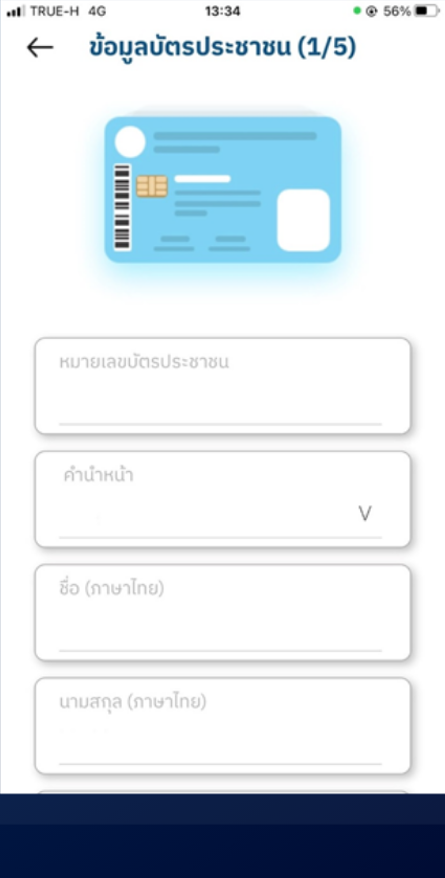
กรอก

“Fill”
in details and set up a password.

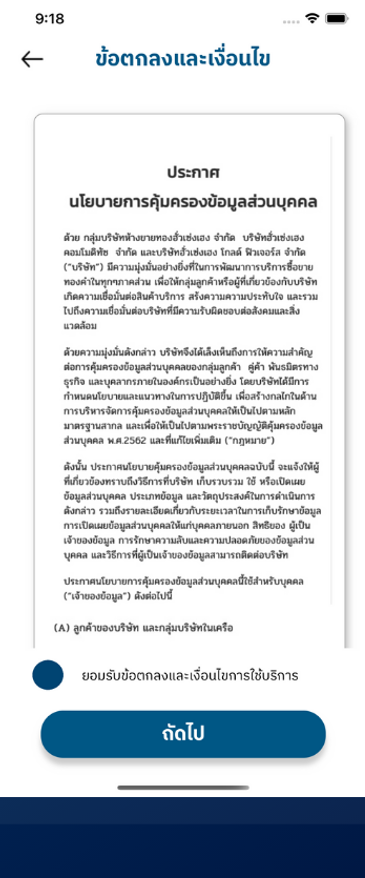
กด

“Agree”
to the terms
and conditions of use.

Now, you can start investing by selecting to buy/sell in the GOLD SAVING NOW feature.

How to Buy/Sell and set up an order to be executed at a specific price

Easily link your account and start investing.

You can easily link your mobile banking account to buy/sell by going to the personal information section. Then, select an account to use as a payment/payout method. Follow the instructions. Now, you can start investing without having to visit our branch in person.

Save gold through our app  and capture profits in real time.

The gold/payment will be deposited into your account upon purchase/sale. Or you can wait for the right moment by setting up a specific price at which a buy/sell order will be executed when matched, then you can enjoy your profits.

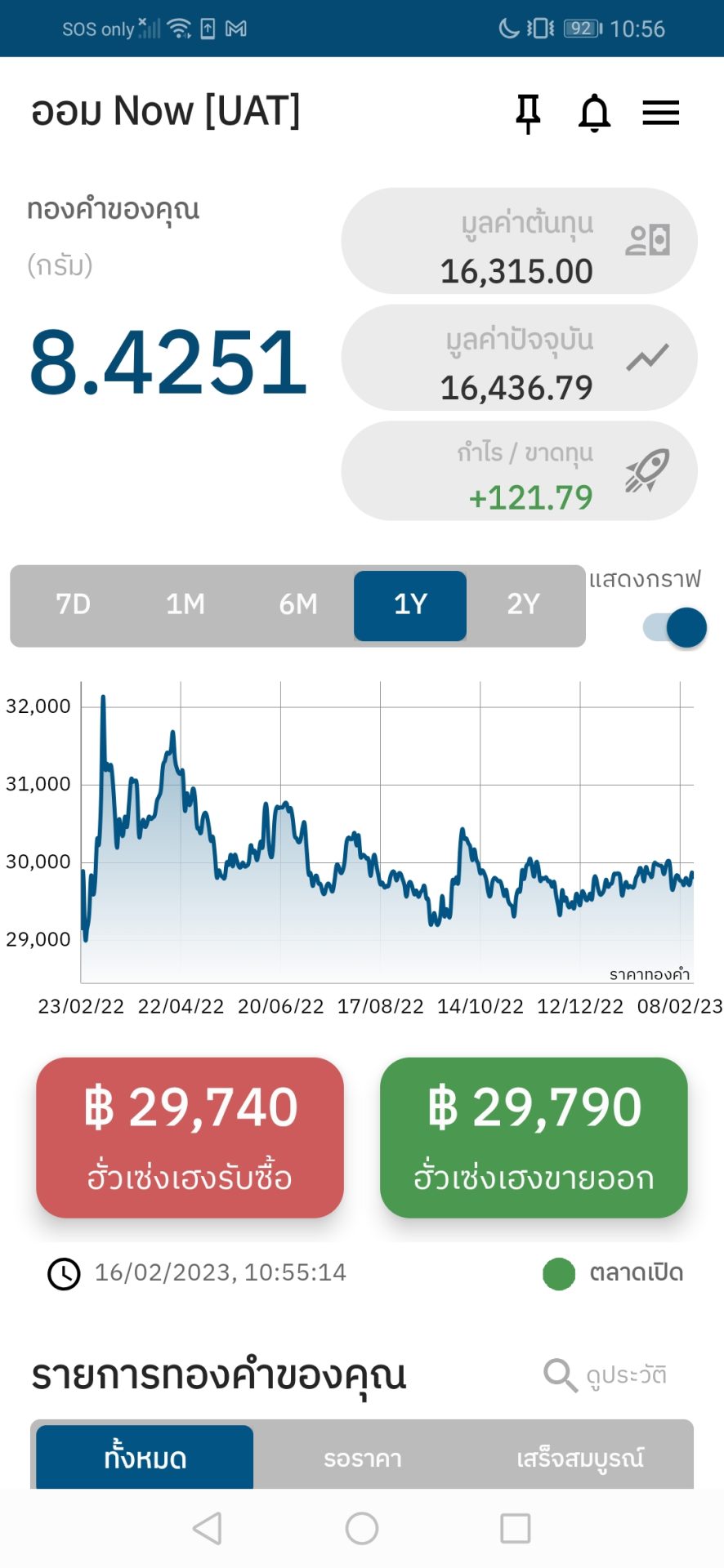
ออม now ซื้อ 1

Choose
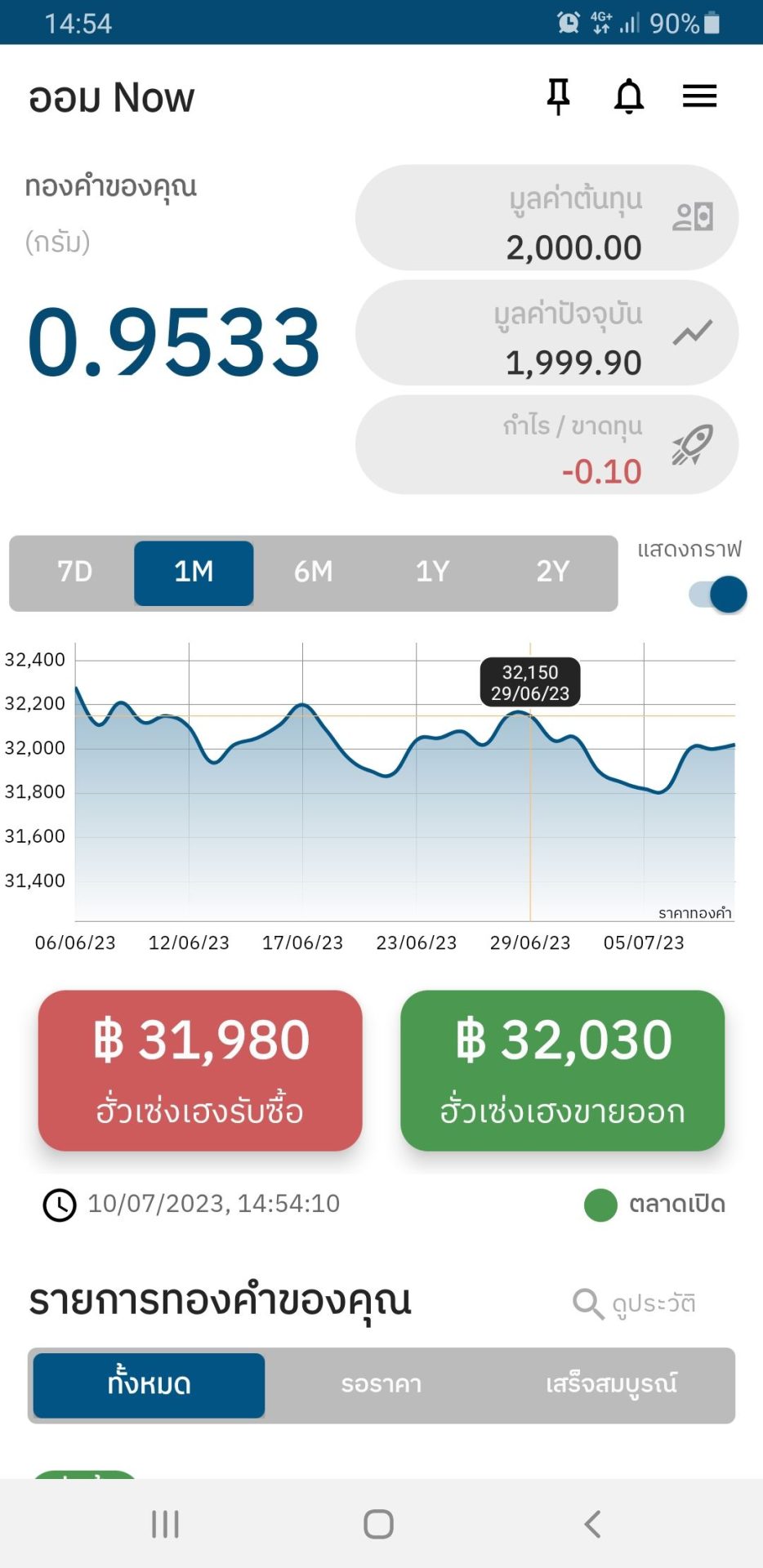
“to be sold by Hua Seng Heng” .

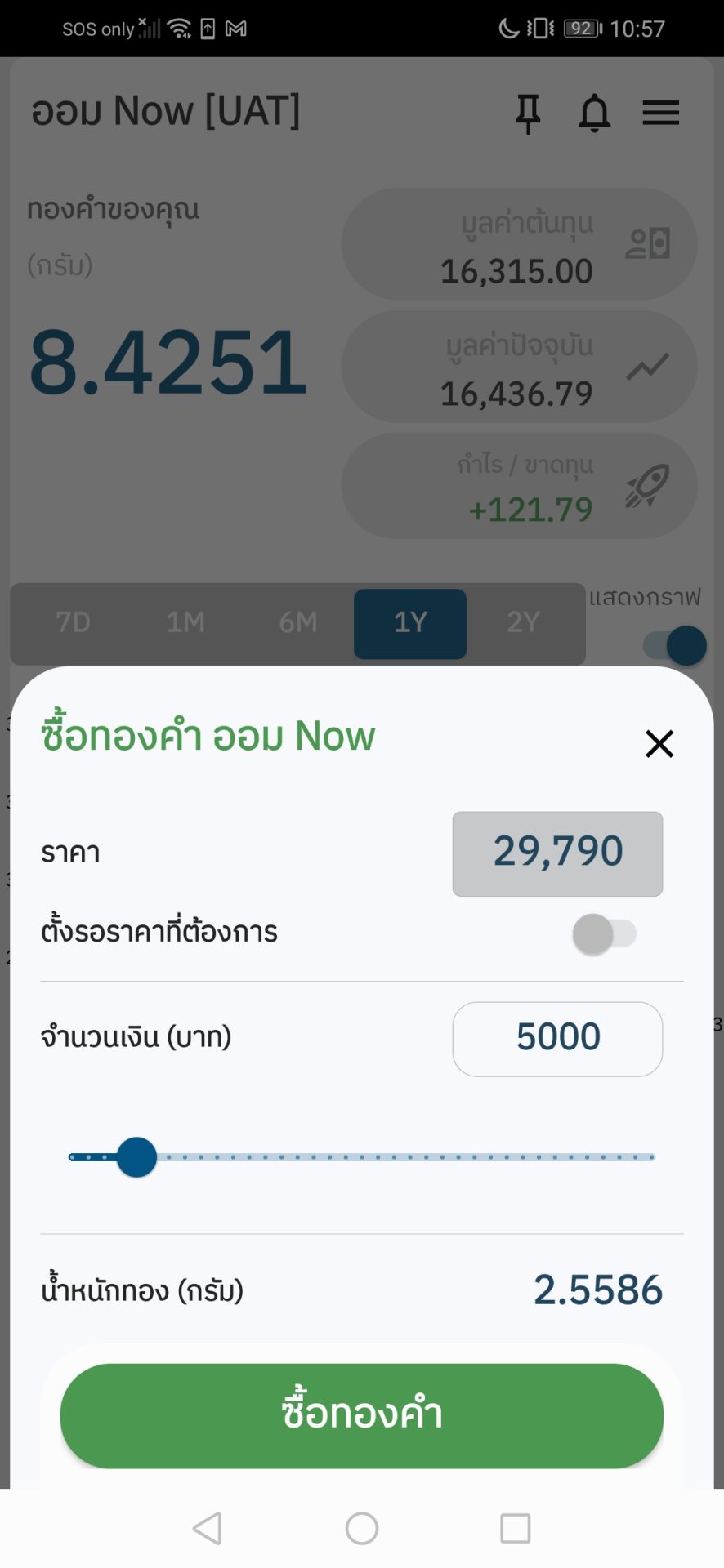
ออม now ซื้อ 2

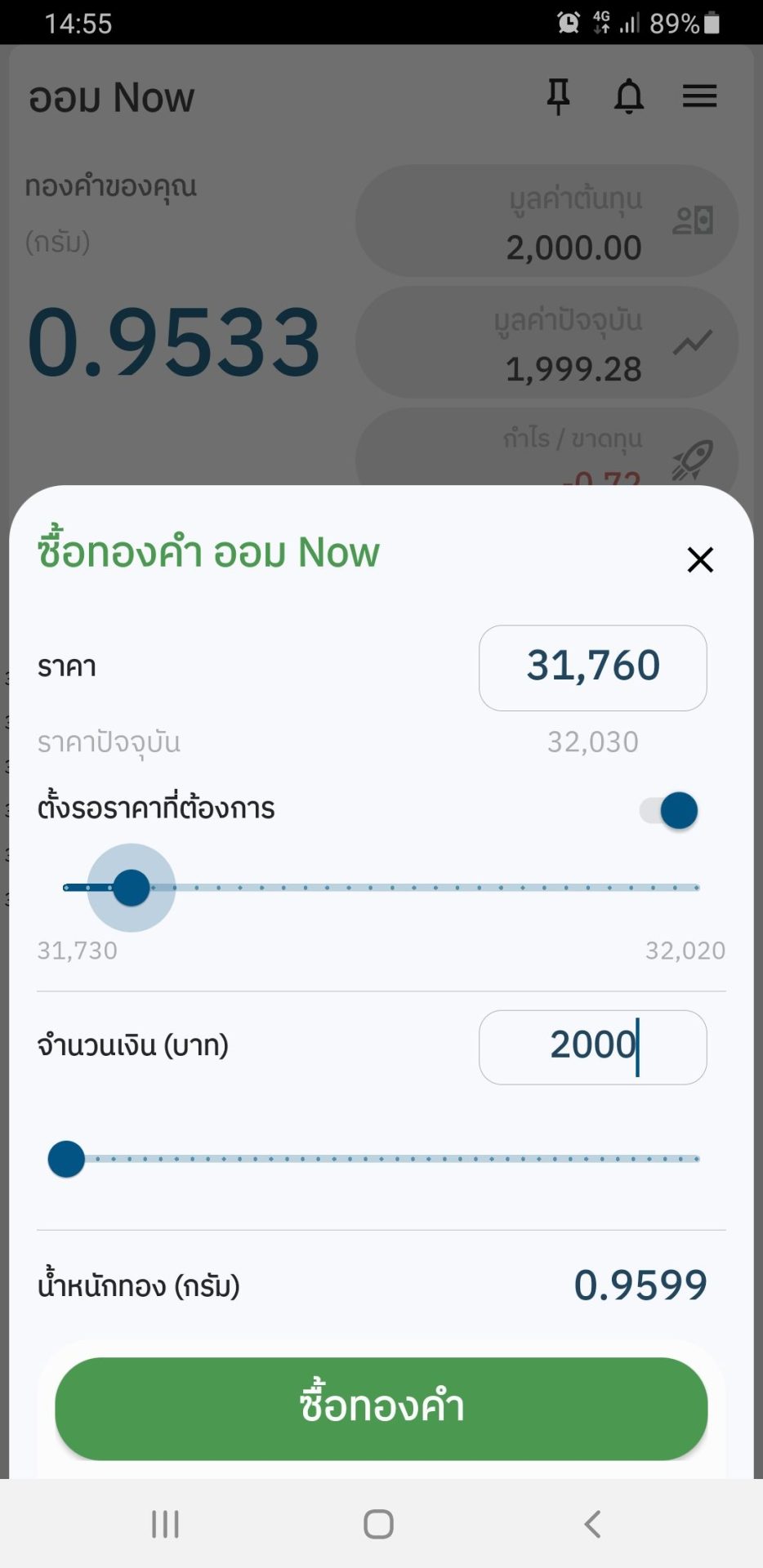
Specify the desired weight
(at least 1,000 baht).

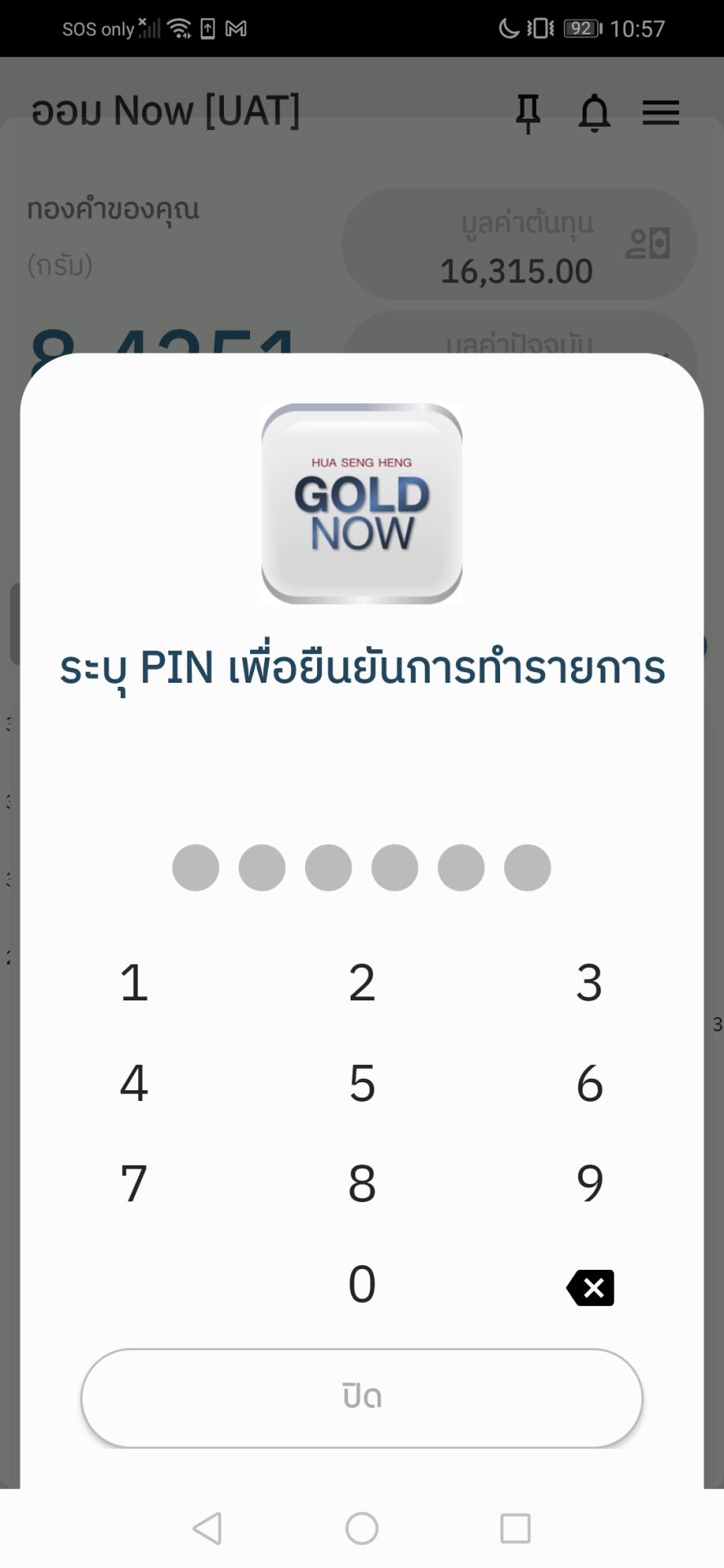
ออม now ซื้อ 3

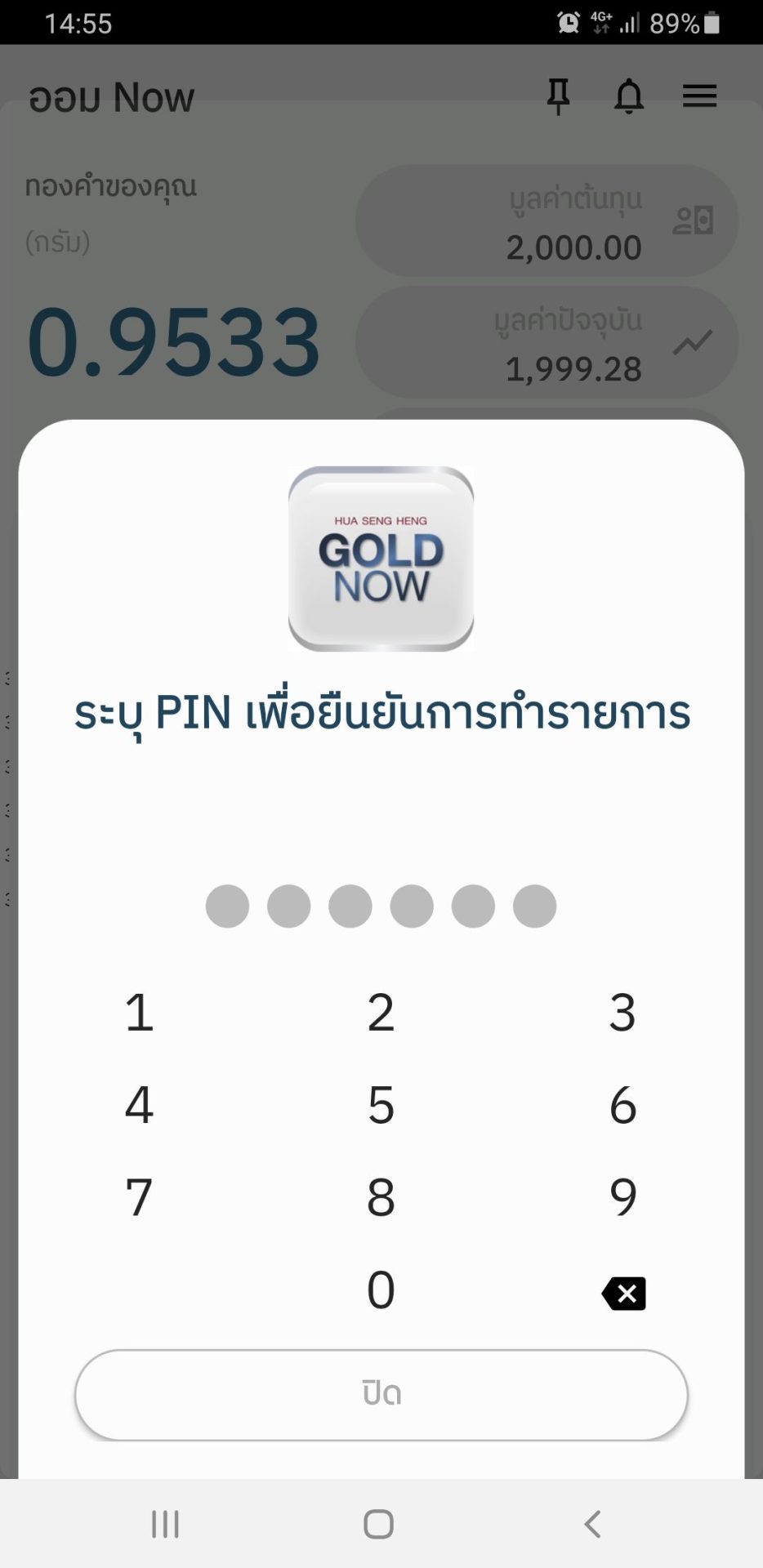
Confirm and enter
the PIN.

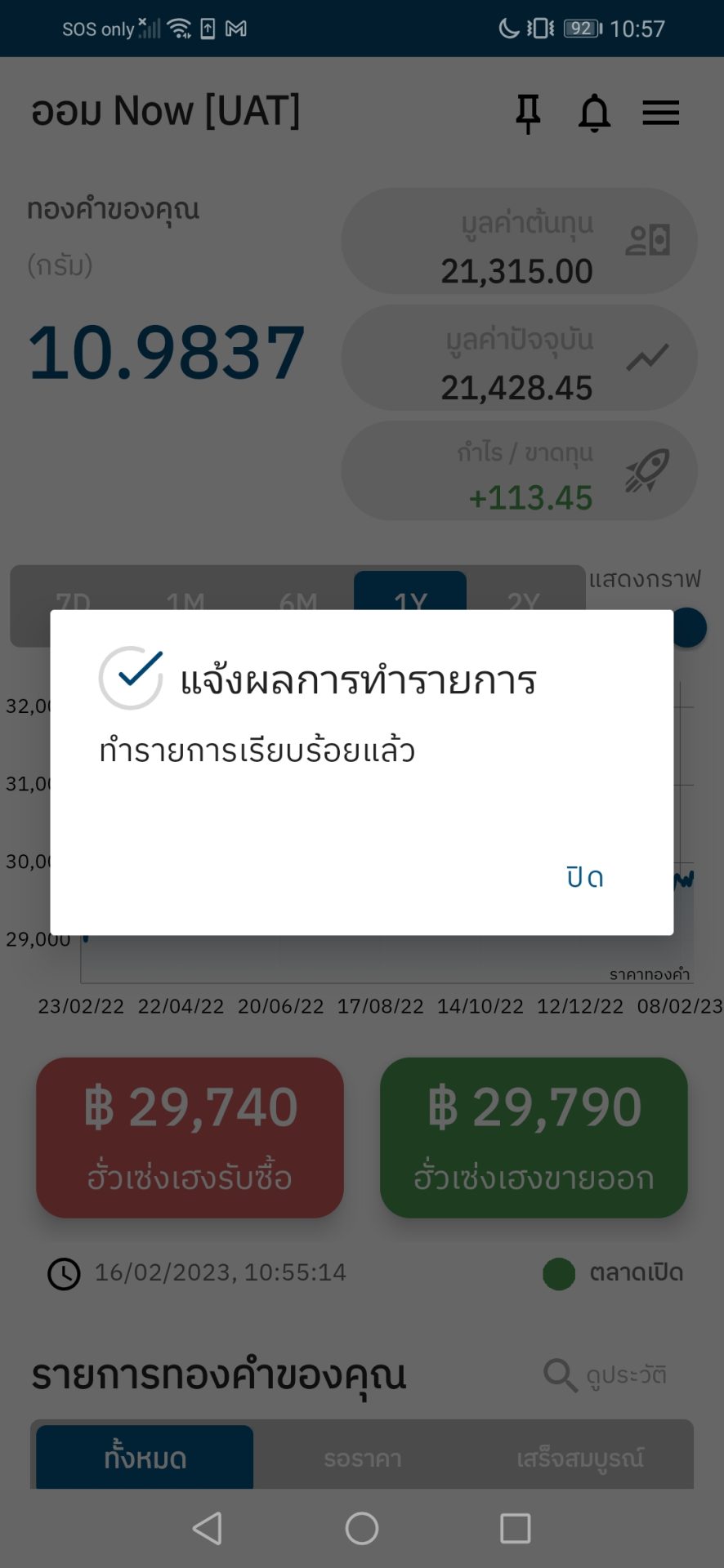
ออม now ซื้อ 4

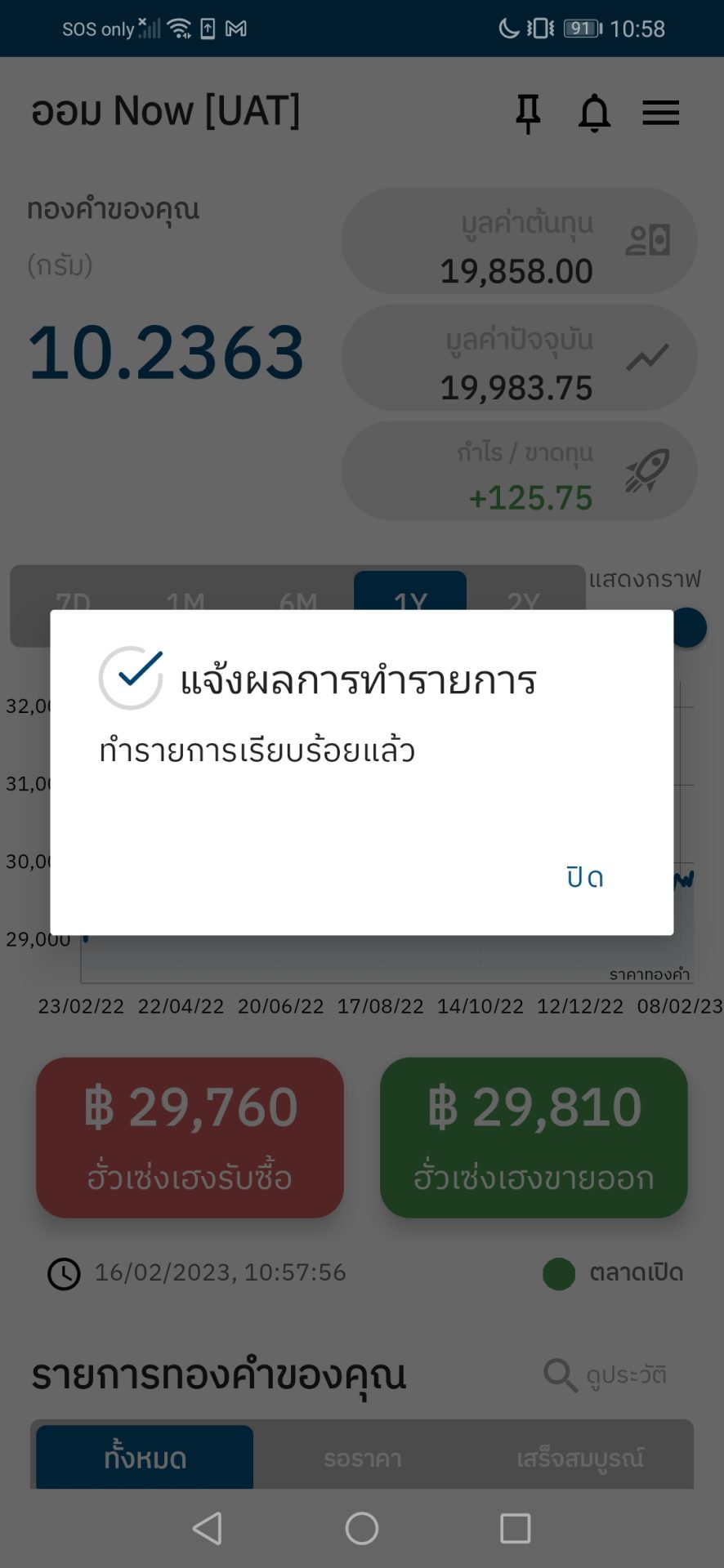
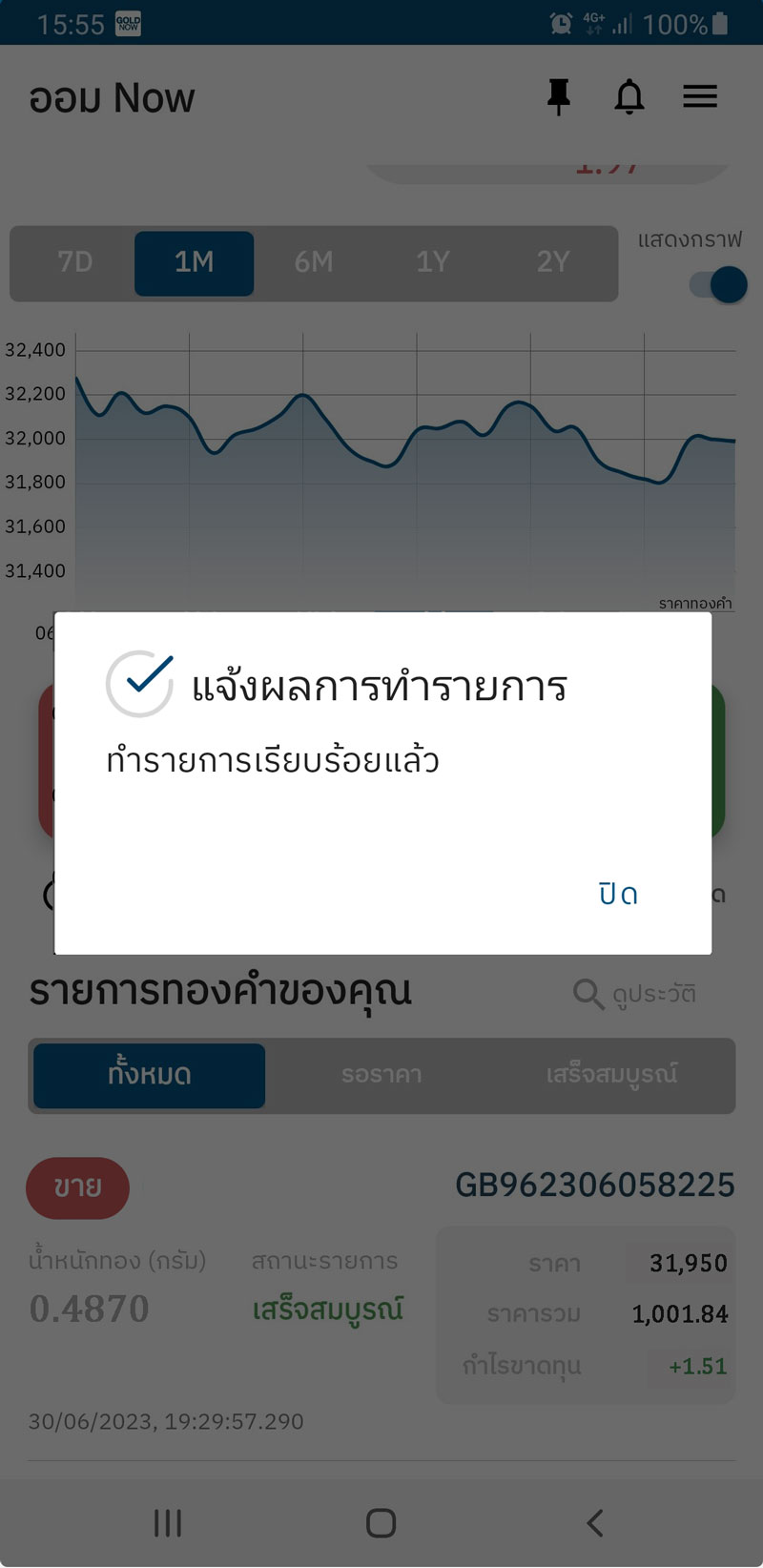
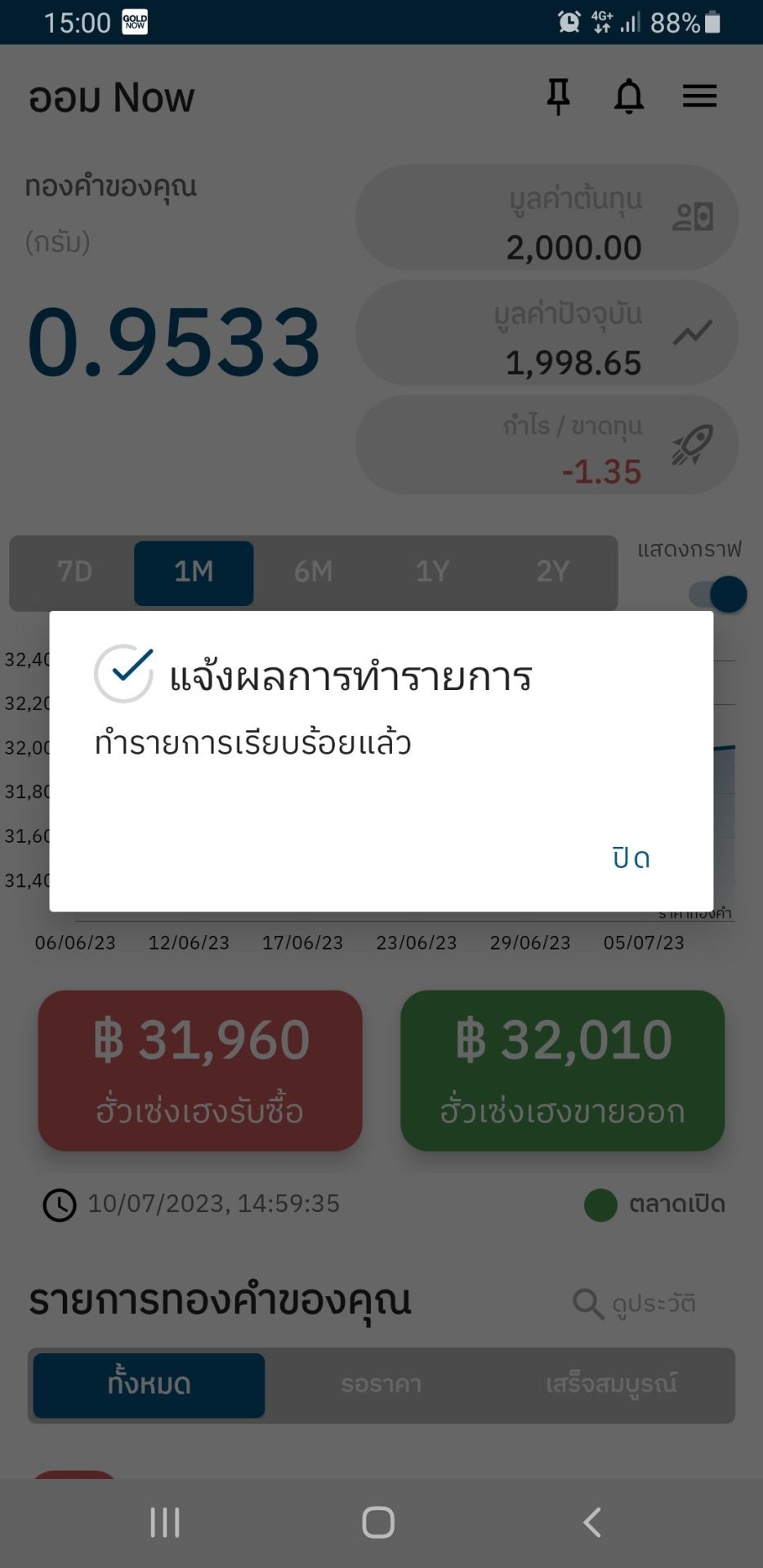
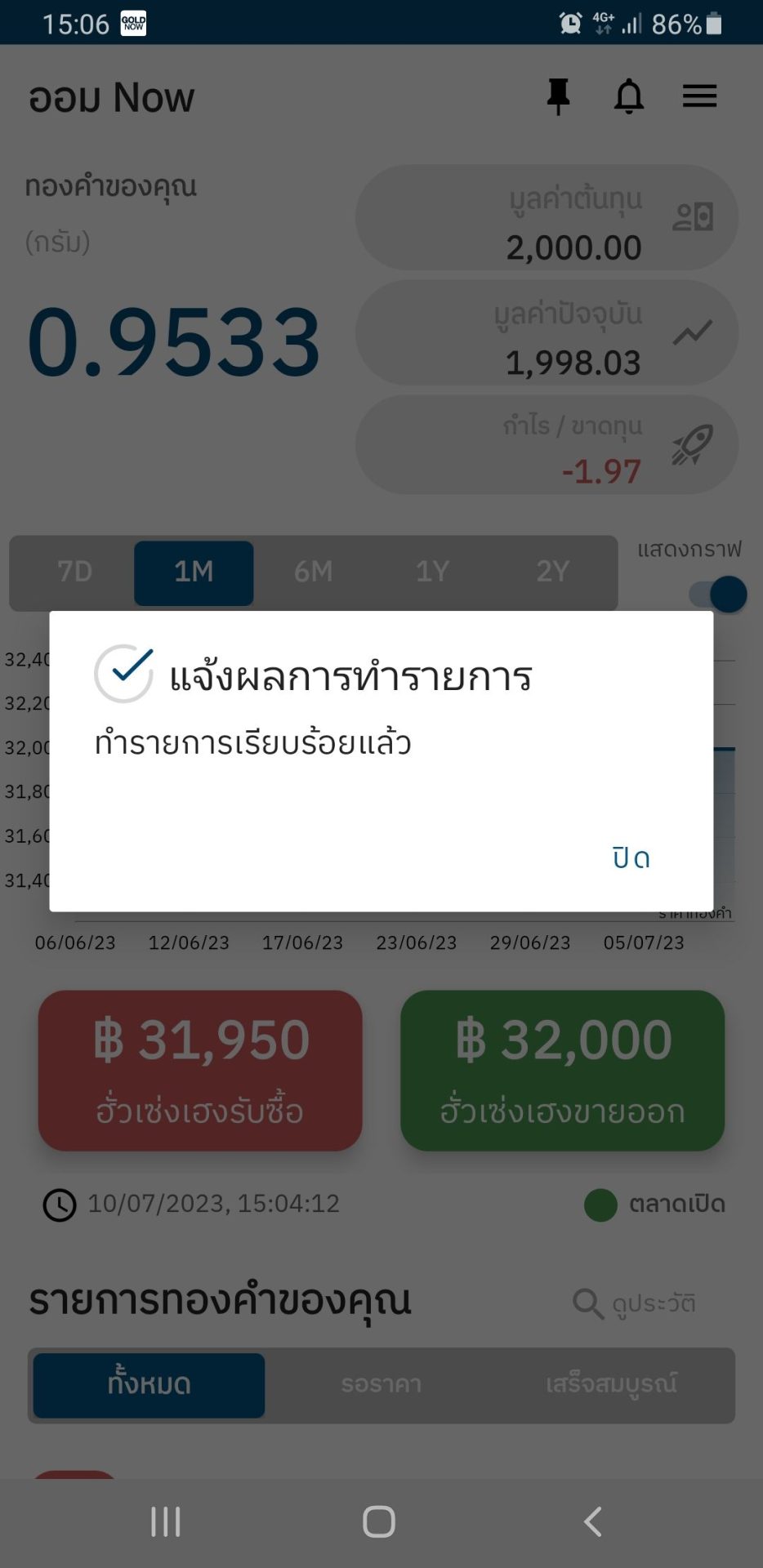
Once completed, you’ll be shown the confirmation notice and receive the transaction email automatically.

ออม now ซื้อ 5

The gold
will instantly be deposited into your portfolio.

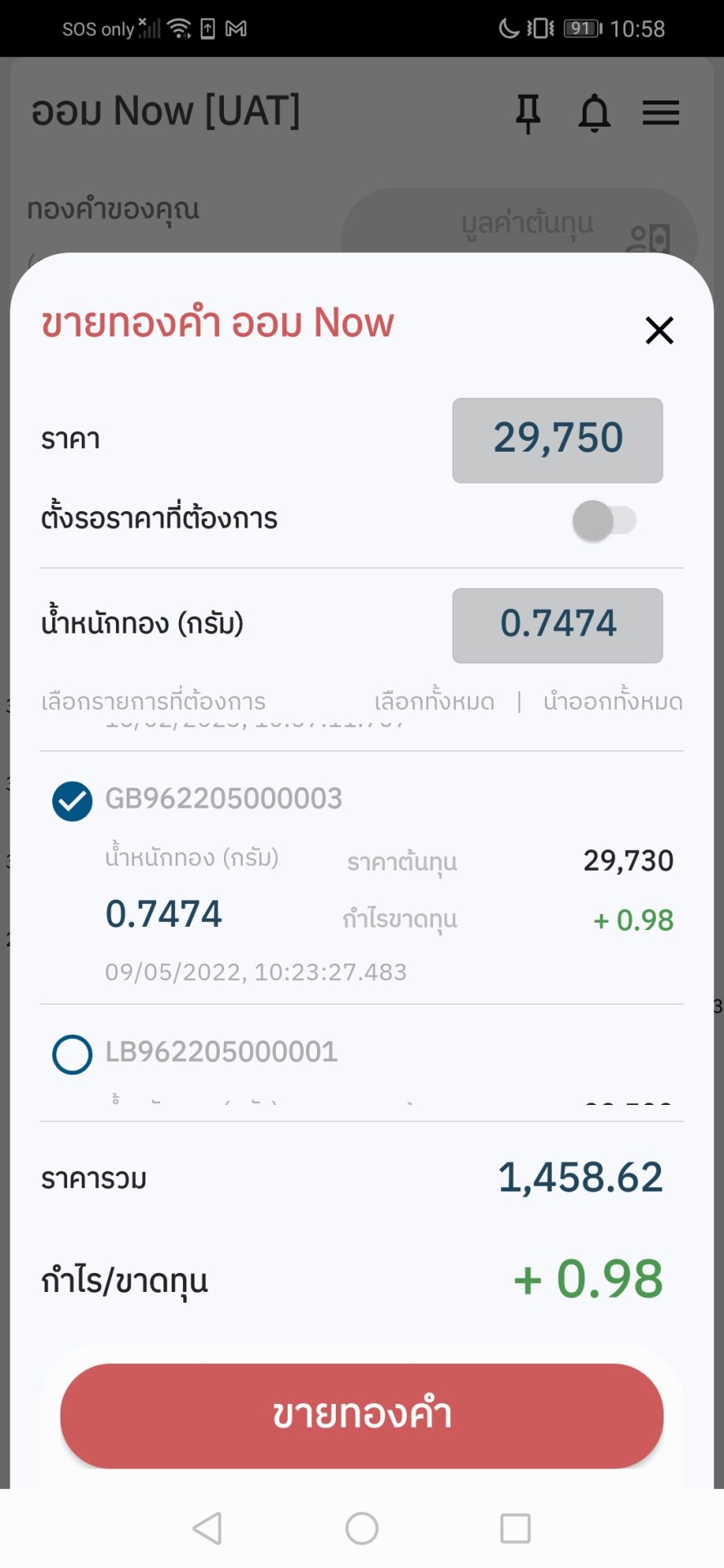
ออม now ขาย 1

Choose
“to sell to Hua Seng Heng”.

ออม now ขาย 2

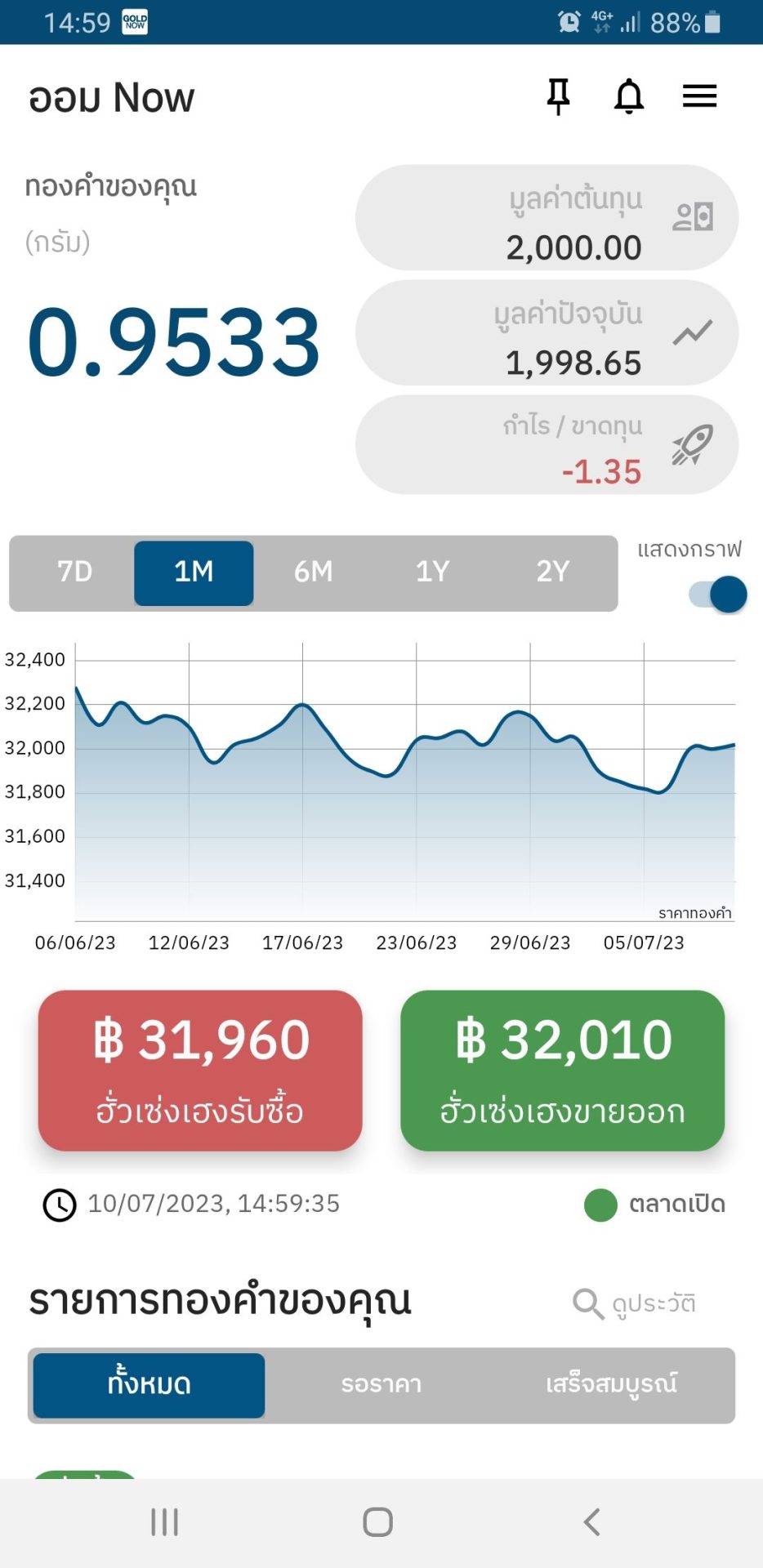
Select the item to Sell.

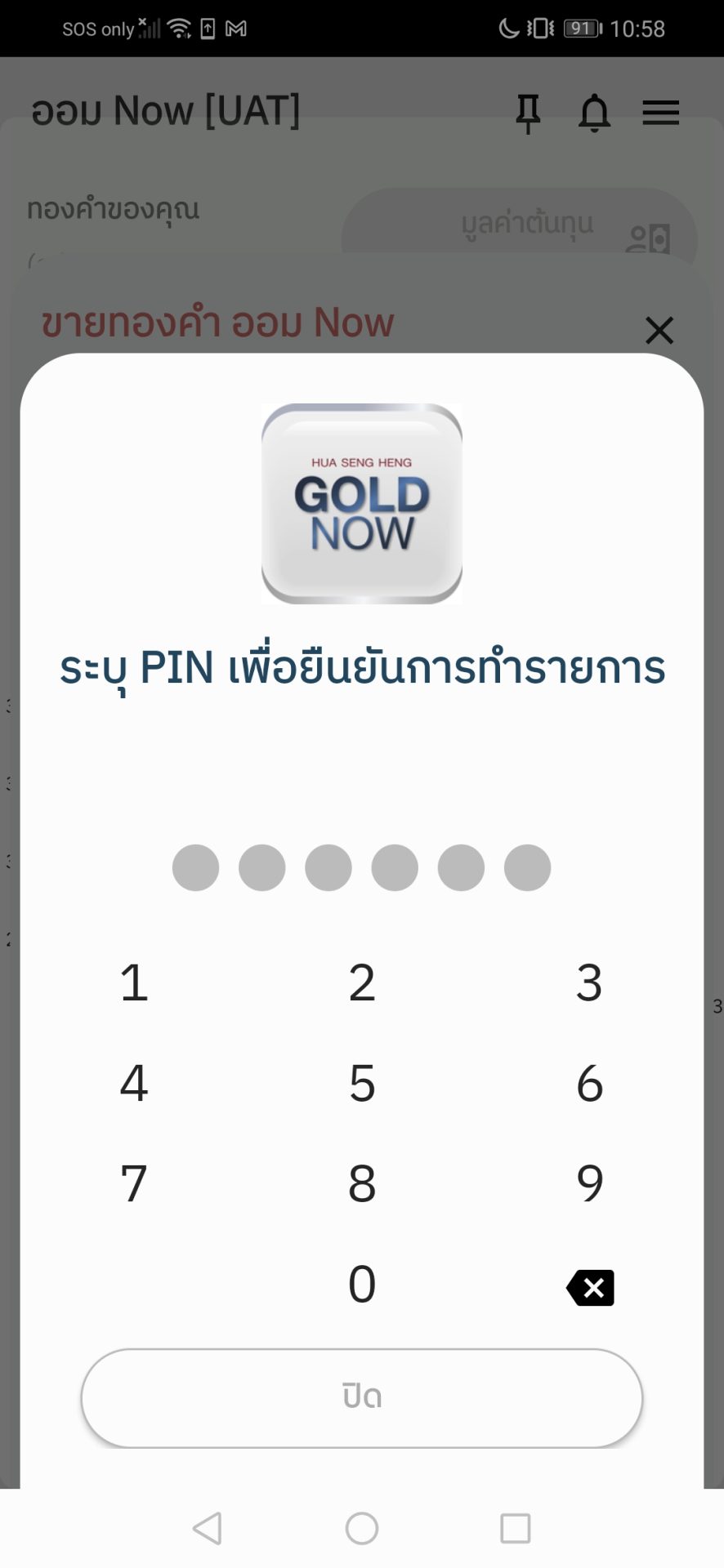
ออม now ขาย 3

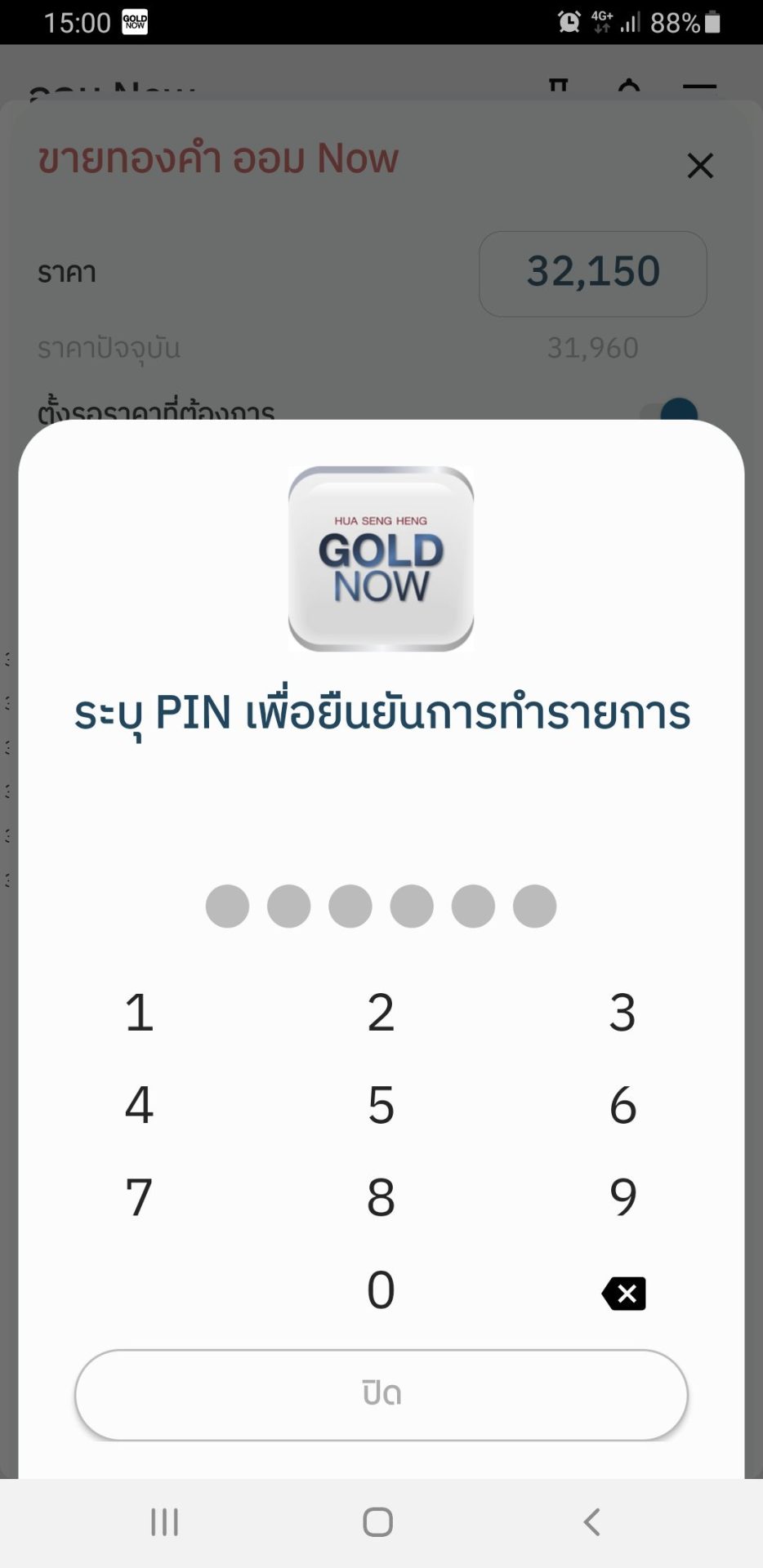
Confirm and enter
the PIN.

ออม now ขาย 4

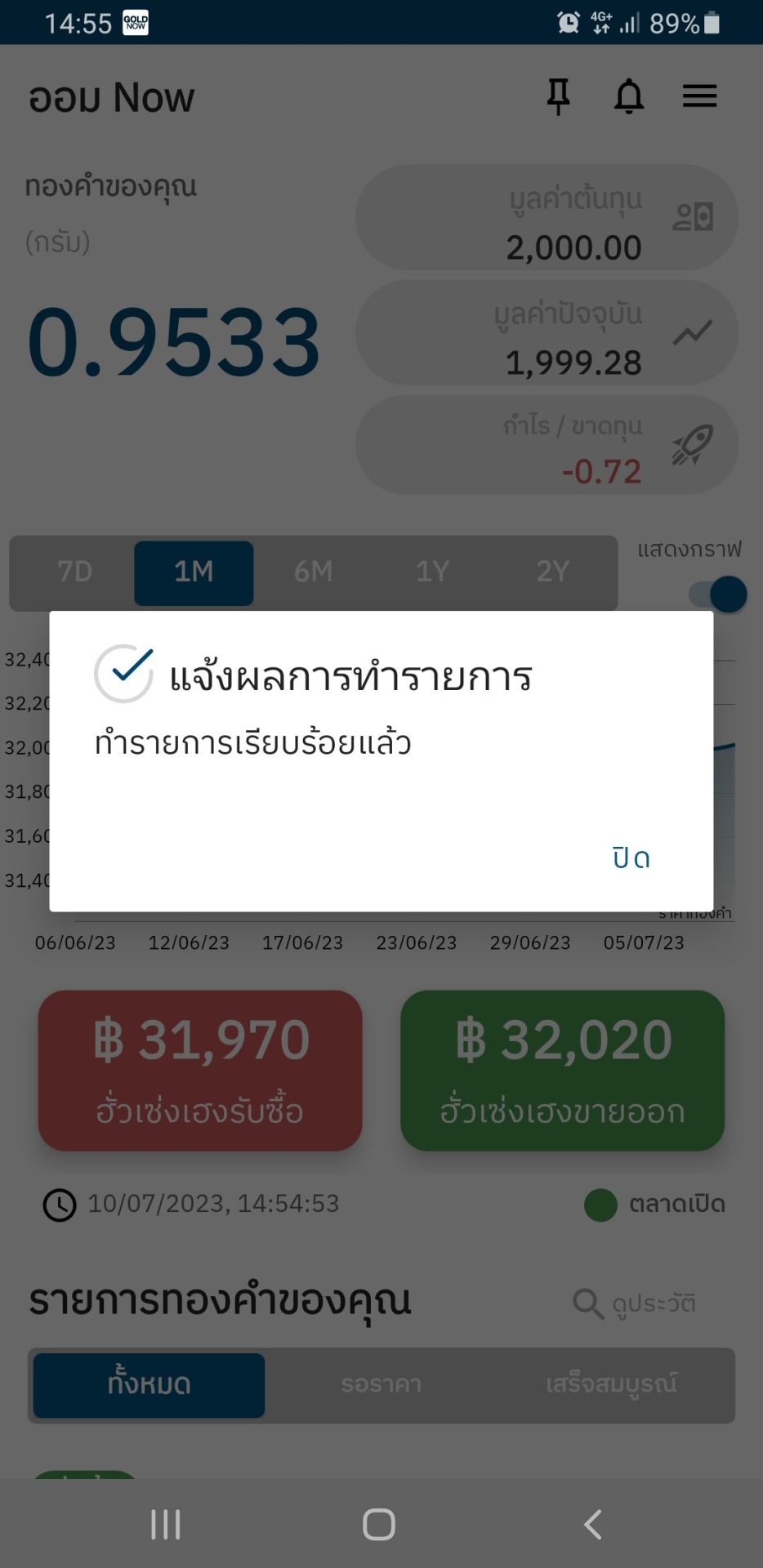
Once completed, you’ll be shown the confirmation notice and receive the transaction email automatically.

ออม now ขาย 5

The gold will be removed from your portfolio, and the payment will be transferred back into your account.

ออม now ขายบางส่วน 1

Select the items you wish to sell.

ออม now ขายบางส่วน 2

Click “Sell Gold.”

ออม now ขายบางส่วน 3

Specify the weight you wish to sell.

ออม now ขายบางส่วน 4

Click “Confirm” and enter your PIN.

ออม now ขายบางส่วน 5

Upon successful completion of the transaction, you will receive a notification message and an email confirmation will be sent automatically.

ออม now ขายบางส่วน 6

The gold will be deducted from your portfolio, and the funds will be transferred back to your account.

1

Choose
“to be sold by Hua Seng Heng”.

2

Open to tab to set up a price at which an order will be executed and specify the amount.

3

Confirm and enter
the PIN.

4

Once completed, you’ll be shown the confirmation notice and receive the transaction email automatically.

5

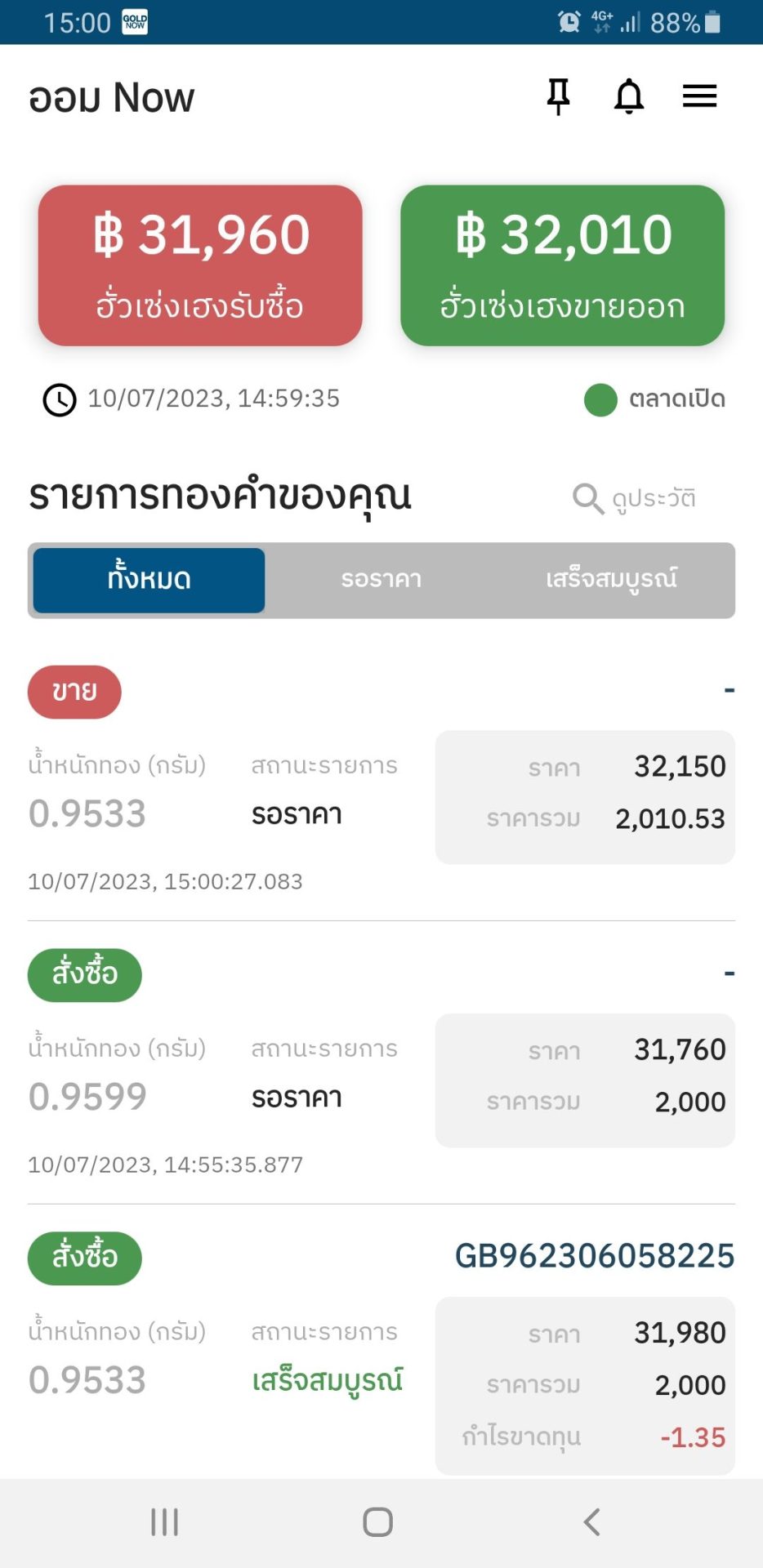
The order with a specific price will appear on your gold entry.

1

Choose
“to sell to Hua Seng Heng”.

2

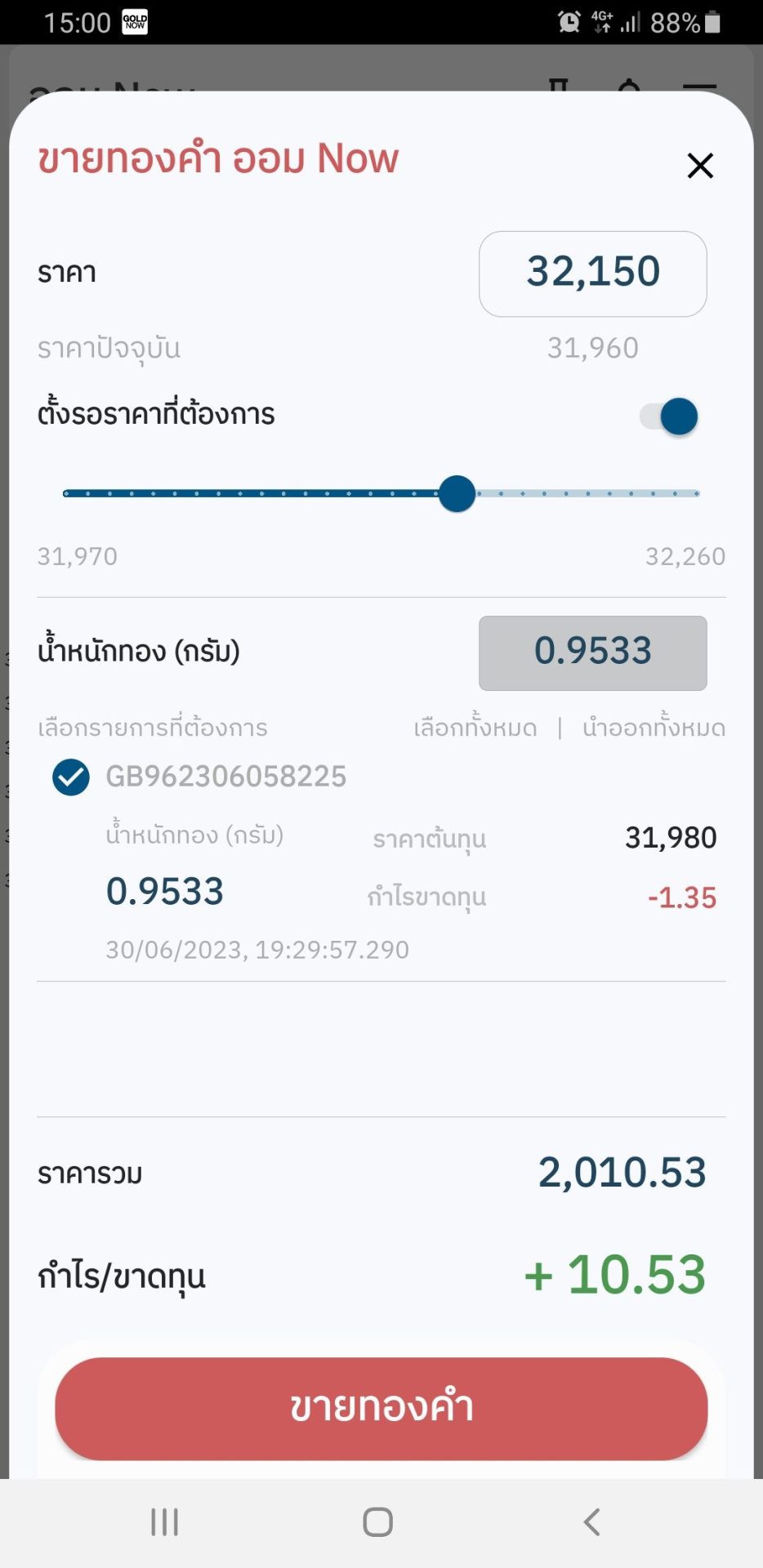
Open to tab to set up a price at which an order will be executed, select the item to sell, and specify the amount.

3

Confirm and enter
the PIN.

4

Once completed, you’ll be shown the confirmation notice and receive the transaction email automatically.

5

The order with a specific price will appear on your gold entry.

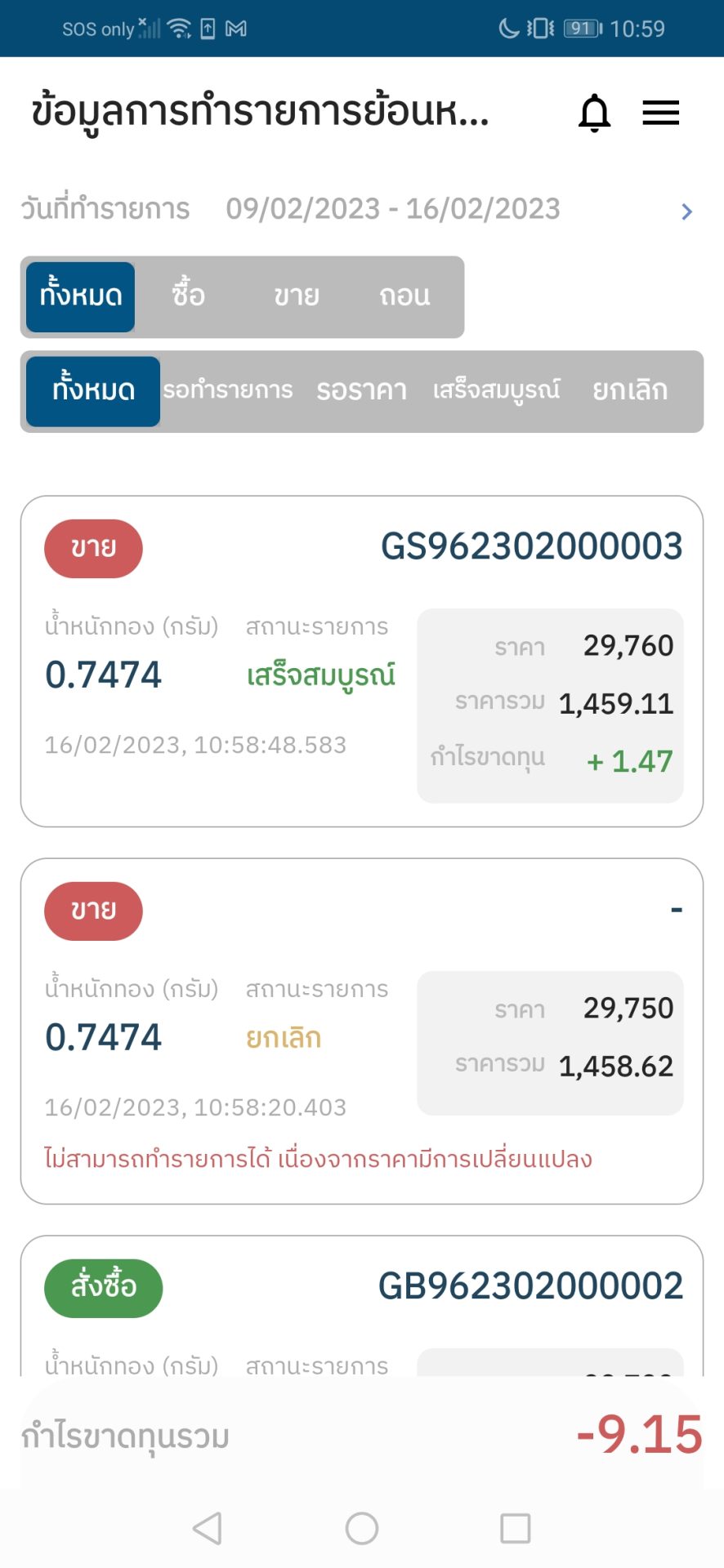
(Transaction history can be found at the home page or the transaction history section.)

1.เลือกรายการที่ต้องการขาย

Select the item
you want to sell.

2.กด ขายทองคำ

Select
“Sell gold”.

3.เปิดแถบเมนูตั้งรอราคา

Open to tab to set up a price at which an order will be executed, and specify the price you want.

4.ระบุน้ำหนักทองที่ต้องการแบ่งขาย

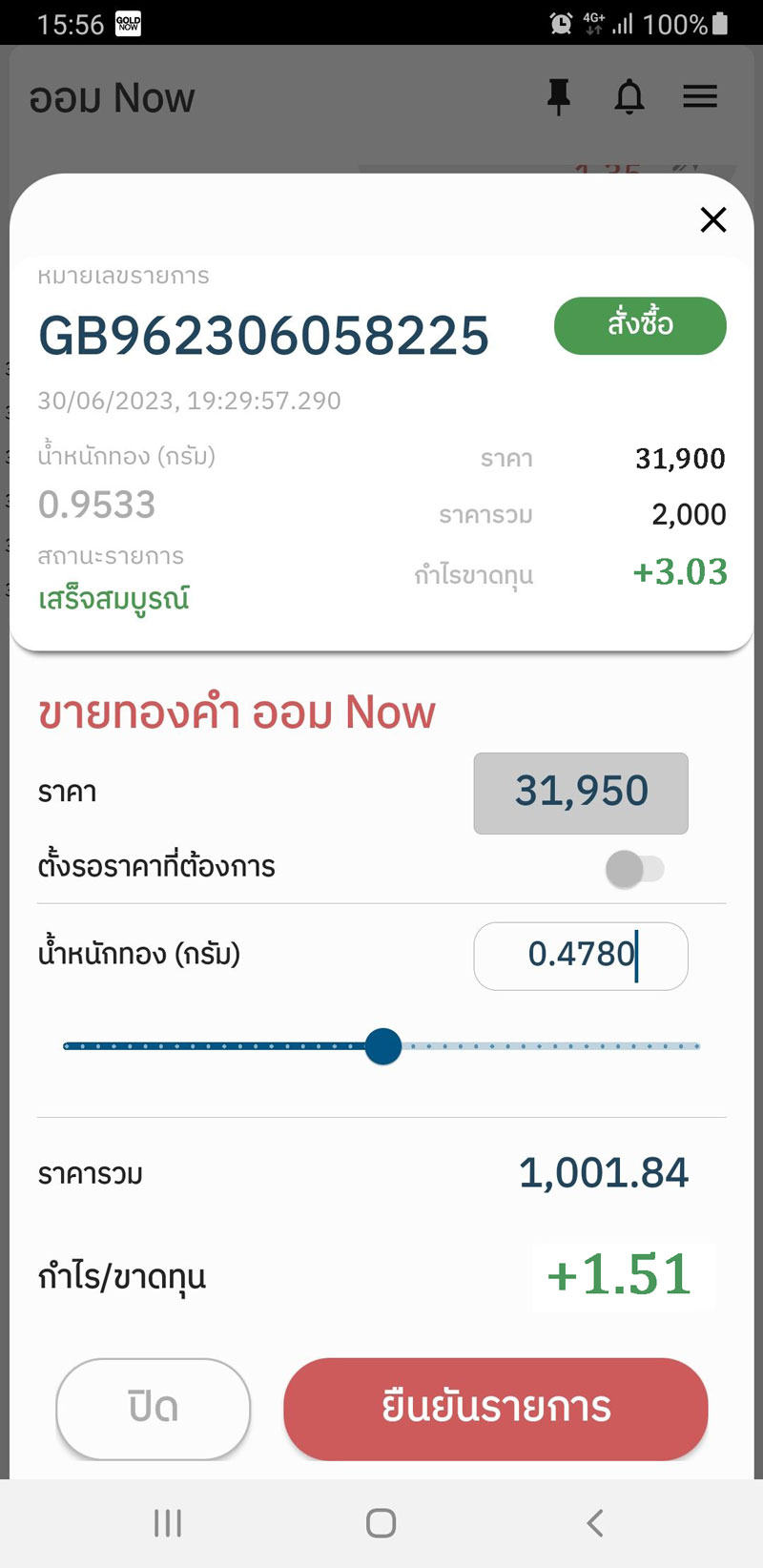
Specify the weight of gold you want to partially sell.

5.กดยืนยัน และ ใส่รหัส Pin

Confirm and enter
the PIN.

6.รับข้อความแจ้งเตือน

Once completed, you’ll be shown the confirmation notice and receive the transaction email automatically.

(Transaction history can be found at the home page or the transaction history section.)

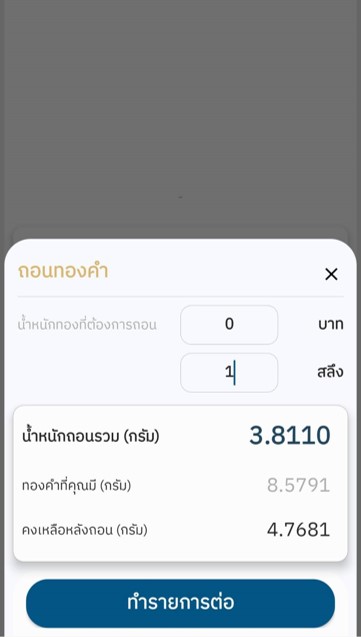
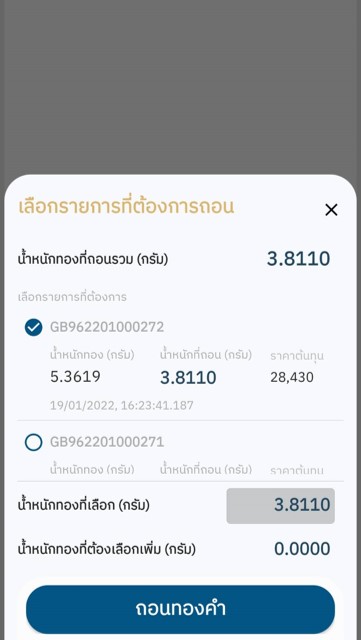
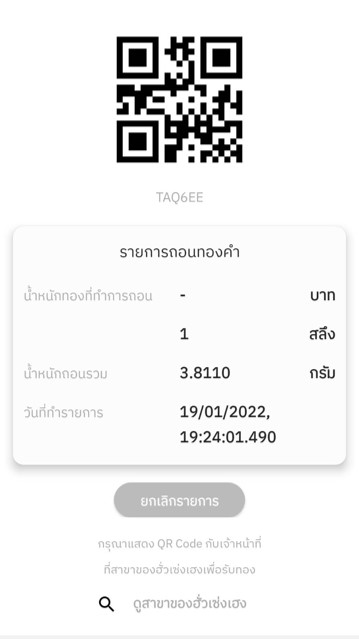
How to withdraw your gold

    ถอนทอง1

    Choose the menu to withdraw your gold.

    ถอนทอง2

    Create a gold withdrawal order.

    ถอนทอง3

    Select the item you wish to withdraw as a physical gold bar.

    ถอนทอง4

    Show the QR Code to receive the gold at any of Hua Seng Heng’s branches.

    *Account holder’s identification card must be presented in order to receive the gold.
    *You have pick up the gold on the same day the QR Code is generated (as the QR Code is valid for one day).

    FAQs

    What is the GOLD NOW application?

    It is a gold investment application, offering an innovative experience at your fingertips that comes with a variety of impressive key features:

    • You can sign up for an account to buy, sell, and invest in 96.5 gold from anywhere.
    • Minimum buy/sell amount is 5 gold baht on GOLD NOW, and 1,000 baht on GOLD SAVING NOW.
    • Sign up with the face recognition (face scanning) method online with no additional documents or in-person visits needed.
    • You can buy, sell, or invest in gold on Monday – Friday at 6:15 AM – 2:00 AM and
      Saturday – Sunday at 9:30 AM – 5:30 PM.
    • Link your buy/sell transactions and gold investment with leading banks:
      - Siam Commercial Bank through the SCB EASY application
      - Kasikorn Bank through the K PLUS application
      - Bangkok Bank through the Bangkok Bank Mobile Banking application
      - Bank of Ayudhya through the Krungsri application
    • Get your gold deposited into your account immediately upon payment and get fully paid instantly when you sell your gold. Never miss an opportunity to make profits.
    • No security deposit. Buy/sell right away.
    • Get your 96.5 gold bars at any of Hua Seng Heng’s branches.

    Where to download?

    Available for download on iOS and Android.

    What is GOLD SAVING NOW?

    GOLD SAVING NOW (or “ออม NOW” in Thai) is a feature in the GOLD NOW app, where you can begin investing in gold with just 1,000 baht and choose which items to sell or withdrawn as a physical gold bar whenever you’d like.

    How to sign up for GOLD NOW?

    Follow these steps after downloading GOLD NOW:

    • Choose “Sign up”.
    • Enter your email address to receive an OTP to confirm your registration.
    • Take a photo of your identification card.
    • Take a photo of your face.
    • Fill in your personal information.
    • Set up your PIN.
    • Accept the terms and conditions.

    Watch a step-by-step tutorial on how to sign up: Click.

    What to do if you cannot take a photo of your ID card or cannot do a face scan?

    - In case you cannot take a photo of your ID card or cannot do a facial scan, please follow these steps:

    • Check the version of your operating system. If using iOS, it must be version 11 or higher. / If using Android, it must be Version 6 or higher.
    • You must “allow” the GOLD NOW application to access your camera first.

    - Android operating system:
    Go to the Settings menu.
    -> Application -> GOLD NOW -> Permission -> Camera -> Select "Allow".

    - iOS operating system:
    Go to the Settings menu -> GOLD NOW -> Allow access to the camera.

    - If you cannot successfully take a photo of your ID card, it may be because the photo is not clear enough. Please try following these steps:

    • Place your ID card in the designated position.
    • Your ID card should be in a well-lit position so that its details are clearly legible (while also making sure that there’s no reflection from the light).
    • If your ID card does not have an expiration date, please inform us via
      LINE: @HSHSocial

    - If you cannot successfully complete the face scan:
    Please send us a request to create a GOLD NOW account at LINE: @HSHSocial
    or email at goldnow.support@huasengheng.com with the following information
    about an individual who wishes to create an account:

    • The email used for registeration
    • A photo of the front of your ID card
    • A photo of your face (with nothing covering your face)

    How to link an account to start buying/selling?

    - Follow these steps after signing up for a GOLD NOW account:

    • Click on the menu button (at the top right corner).
    • Select “Personal information” .
    • Select “link your bank account” .
    • Choose from the options: Siam Commercial Bank’s SCB EASY, Kasikorn Bank’s K PLUS, Bangkok Bank’s Bangkok Bank Mobile Banking, or Bank of Ayudhya’s Krungsri. (The GOLD NOW application must be updated to Version 1.2.2 or higher.)
    • You will then be directed to the SCB EASY / K PLUS / Bangkok Bank Mobile Banking application for you to follow the instructions.

    *You must have the SCB EASY, K PLUS, Bangkok Bank Mobile Banking, or Krungsri application installed on your device before you can link your account to start trading.*

    - Watch a step-by-step tutorial on how to link your account here:

    • How to sign up and link your Siam Commercial Bank account: Click.
    • How to link your Kasikorn Bank account: Click.
    • How to link your Bangkok Bank account: Click.
    • How to link your Bank of Ayudhya account: Click.

    If you’re linking your current bank account for automatic payment deduction, you should make sure that your account is eligible for gold trading in accordance with your bank. The use of a current account is subject to the terms set by each bank. If you have any question, please consult your bank.

    - If your want to open an online account with Siam Commercial Bank, Kasikorn Bank, Bangkok Bank, or Bank of Ayudhya:

    • How to sign up for an online account with the SCB EASY application: Click to see instructions on how to open an account.
    • How to sign up for an online account with the K PLUS application: Click to see instructions on how to open an account.
    • How to sign up for an online account with the Bangkok Bank Mobile Banking application: Click to see instructions on how to open an account.

    - If you want to change your bank account in GOLD NOW:

    • Check to see if there is gold in your portfolio. If there is, the amount must be 0 before you can proceed (you can empty your portfolio by selling/withdrawal).
    • Download the “request form to change/add customer information” here.
    • Also attach the required documents (form/copy of your ID card/copy of your bankbook to be linked to your account or screenshot of an electronic bankbook).
    • Provide your signature on each document with the following statement: "I hereby confirm that this copy is accurate and is to only be used for a bank account change with Hua Seng Heng’s GOLD NOW.”
    • Email us at: goldnow.support@huasengheng.com

    *Only savings account should be linked. (A joint account or special savings account cannot be linked.)

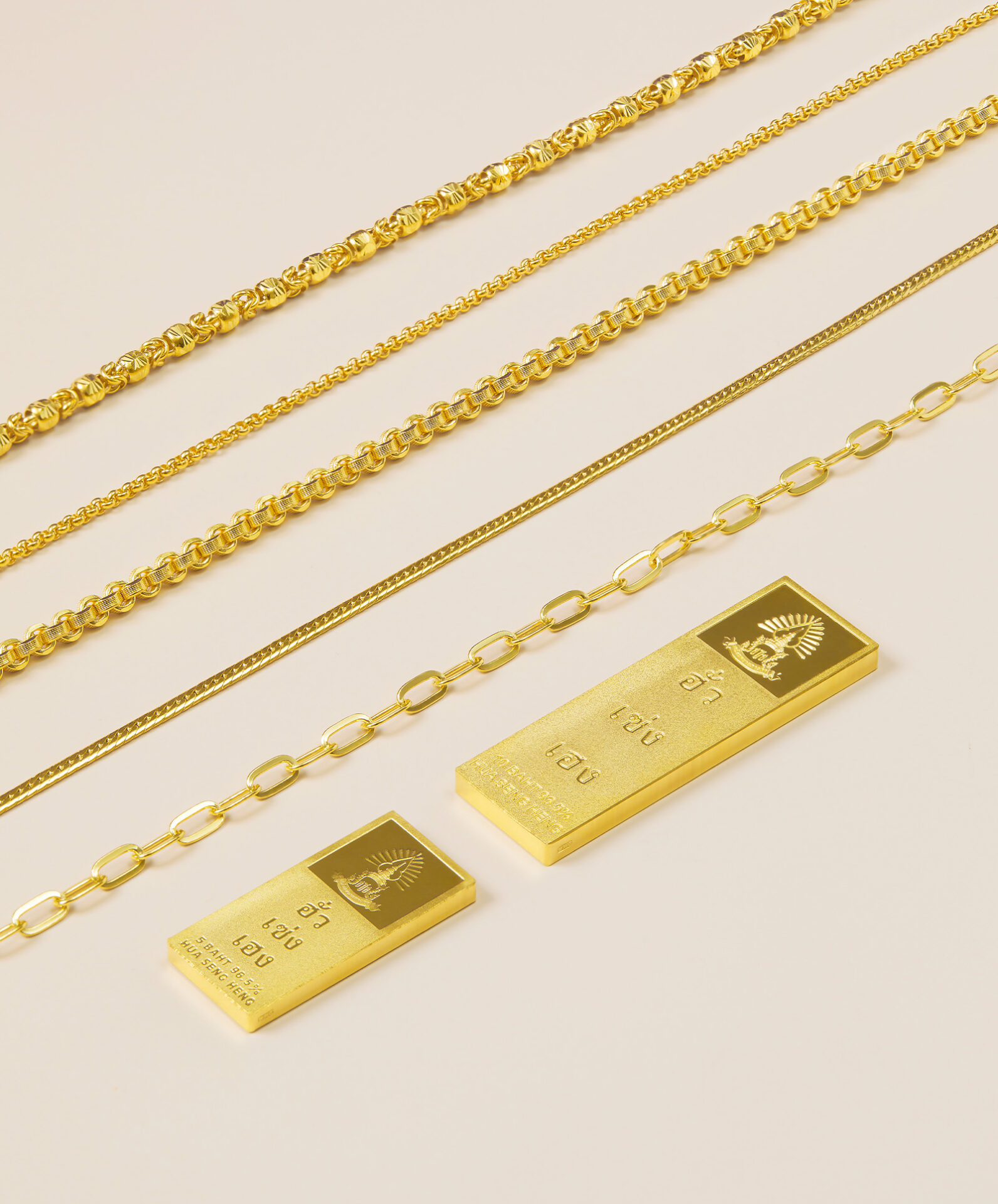
    Can an individual create more than one account?

    One ID card can only be used to create one account, but the account can also be used for monthly gold savings and on-demand gold savings.

    How to buy/sell and set a specific buy/sell price on GOLD NOW?

    • In case of a regular buy/sell order: Click
    • In case of setting up a specific price to buy/sell on GOLD NOW: Click
    • Our system will cancel any buy/sell order that has been set to be executed at a specific price at our closing time at 2:00 AM (2 in the morning) on each day.
    • If you want to set a sell order to be executed at a specific price, you have to select an item that you own and then set a sell price at which the item will be sold when matched.

    How to buy/sell and set a specific buy/sell price on GOLD SAVING NOW?

    • How to buy on “GOLD SAVING NOW”
      Watch the video tutorial: Click
    • How to set a buy price to be executed at a specific price on “GOLD SAVING NOW”
      Watch the video tutorial: Click
    • How to completely sell an item on “GOLD SAVING NOW”
      Watch the video tutorial: Click
    • How to partially sell an item on “GOLD SAVING NOW”
      Watch the video tutorial: Click
    • How to set a sell price to be executed at a specific price for a complete item on “GOLD SAVING NOW”
      Watch the video tutorial: Click
    • How to set a sell price to be executed at a specific price for a partial item on “GOLD SAVING NOW”
      Watch the video tutorial: Click

    What to do in case of an unsuccessful order with an error message indicating that “the transaction was unsuccessful”?

    • Check if the funds in your account are enough for the gold price and fees.
    • Check the allowed limit per transaction/day to see if it is enough.
      If not, you must submit a request to extend your limit with your bank through the bank’s application, that is SCB EASY, K PLUS and Bangkok Bank Mobile Banking, or contact the bank directly at their branch.
    • In the case of an online bank account, you must verify your identity (NDID) with the bank first.

    Does GOLD NOW incur any applicable trading fees?

    - When selling, you will not be charged any fees, and Hua Seng Heng will be responsible for all applicable charges.
    - When buying, you will by charged by your bank:

    • SCB EASY (Siam Commercial Bank): 3 baht per transaction
    • K PLUS (Kasikorn Bank): 5 baht per transaction
    • Bangkok Bank Mobile Banking (Bangkok Bank): 3 baht per transaction
    • Krungsri App (Bank of Ayudhya): Free of charge until December 31, 2025

    How to withdraw gold bars?

    • Create a gold withdrawal order on the day you want to receive the gold as the QR code that you’ll receive will be valid only on the day it’s generated. The account owner must also make an in-person visit and present their ID card.
    • How to withdraw your gold on GOLD NOW
      Watch the video tutorial: Click
    • How to withdraw your gold on GOLD SAVING NOW
      Watch the video tutorial: Click

    Why is the gold not deposited into my portfolio after a successful buy order?

    Due to a delay in the communication process, the gold will be deposited into your portfolio 2 hours after the payment is made. If the order is placed outside business hours, our team will process your order on the morning after as soon as possible.

    Why is the payment still not deposited back into my account after a successful sell order?

    Due to random system maintenance shutdown times that each bank has in place, a sell order might experience some delay. However, if the status of your order is “Successful”, our team will work on depositing the fund into your account as soon as possible within the next morning.

    What are the reasons for the “Unsuccessful” message after executing an order for an item to be bought/sold when a specific price is matched?

    There are 4 possible reasons:

    • If the gold price does not match your specified price, the order will be cancelled at 2:00 AM (2 in the morning) of each day.
    • The customer cancels the buy/sell order.
    • The gold price matches your specified price, but the order remains at the “Waiting for the Price to Match” status and is not changed to “Completed” instantly. This is due to a high number of orders placed at that specified price, so you may not immediately see progress in your order. Our system will process these orders based on the time they were placed, which may result in some delay.
    • The gold price matches your specified price for a buy order, but payment cannot be deducted from your account. (The funds in your account may not be enough for the gold price and applicable fees.)
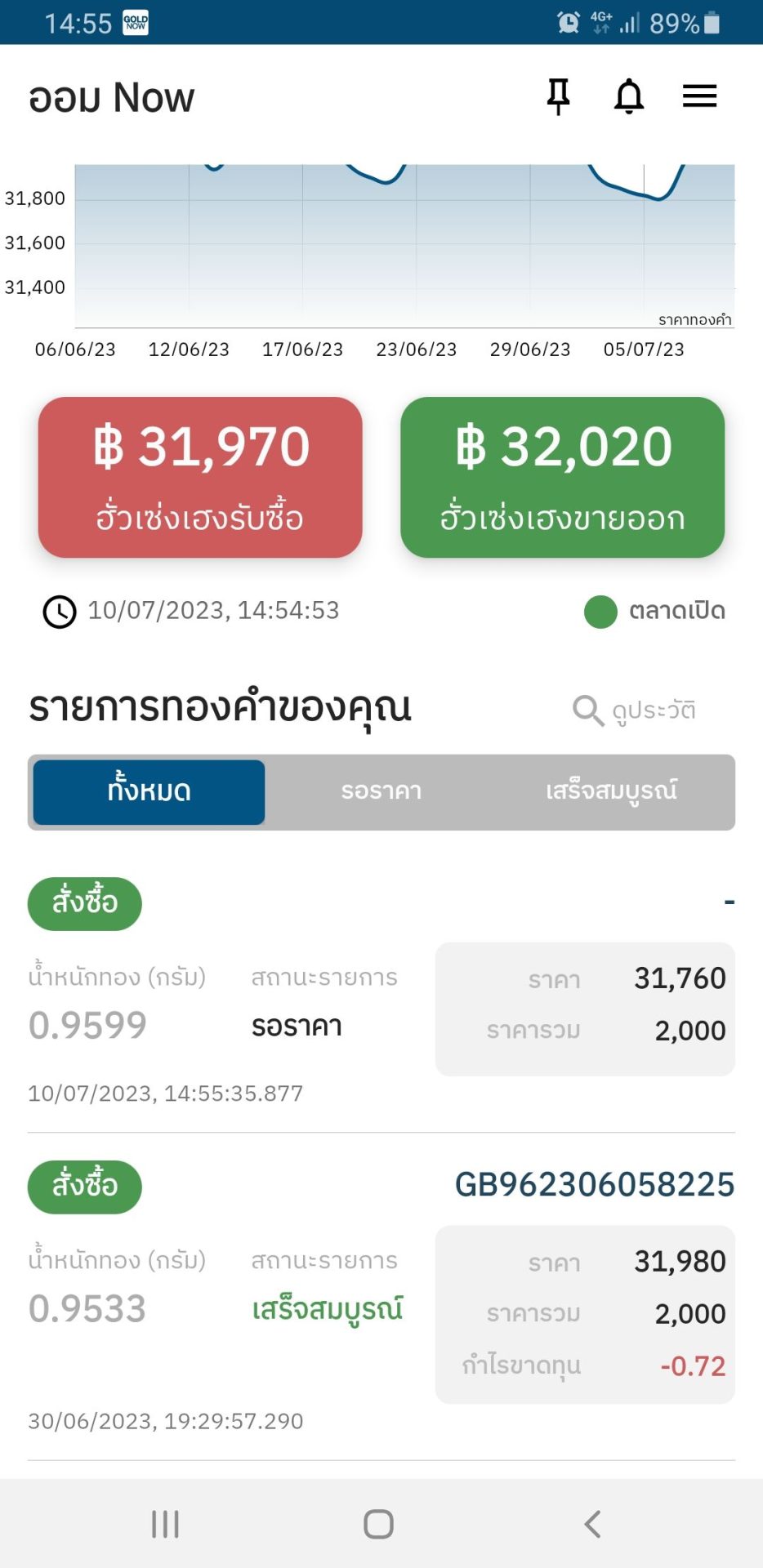
    Mask group

    Easily Invest in gold now. For any issues or questions, contact us at:

    GOLD NOW Customer Service : 02 112 2288
    Available every day from 8:30 AM – 5:30 PM
    Or contact us at:
    LINE : @hshsocial
    Email : goldnow.support@huasengheng.com

    Gold Delivery & Collection

    About us

    Live Chat

    Have questions?
    Contact us.

    Customer Relations Hours
    Mon - Fri 08.30 - 24.00
    Sat - Sun 08.30 - 17.30

    For the best experience, we recommend viewing the site in portrait orientation on mobile devices.

    PDPA Icon

    Website นี้ใช้คุกกี้เพื่อปรับปรุงประสบการณ์การใช้งาน กรุณาดูข้อมูลเพิ่มเติมที่ นโยบายความเป็นส่วนตัว และตั้งค่าคุกกี้ได้ที่ ตั้งค่า

    Privacy Preferences

    You can choose your cookie settings by enabling/disabling cookies for each category as needed, except for necessary cookies.

    Allow All
    Manage Consent Preferences
    • Always Active

    Save